138
Video mode
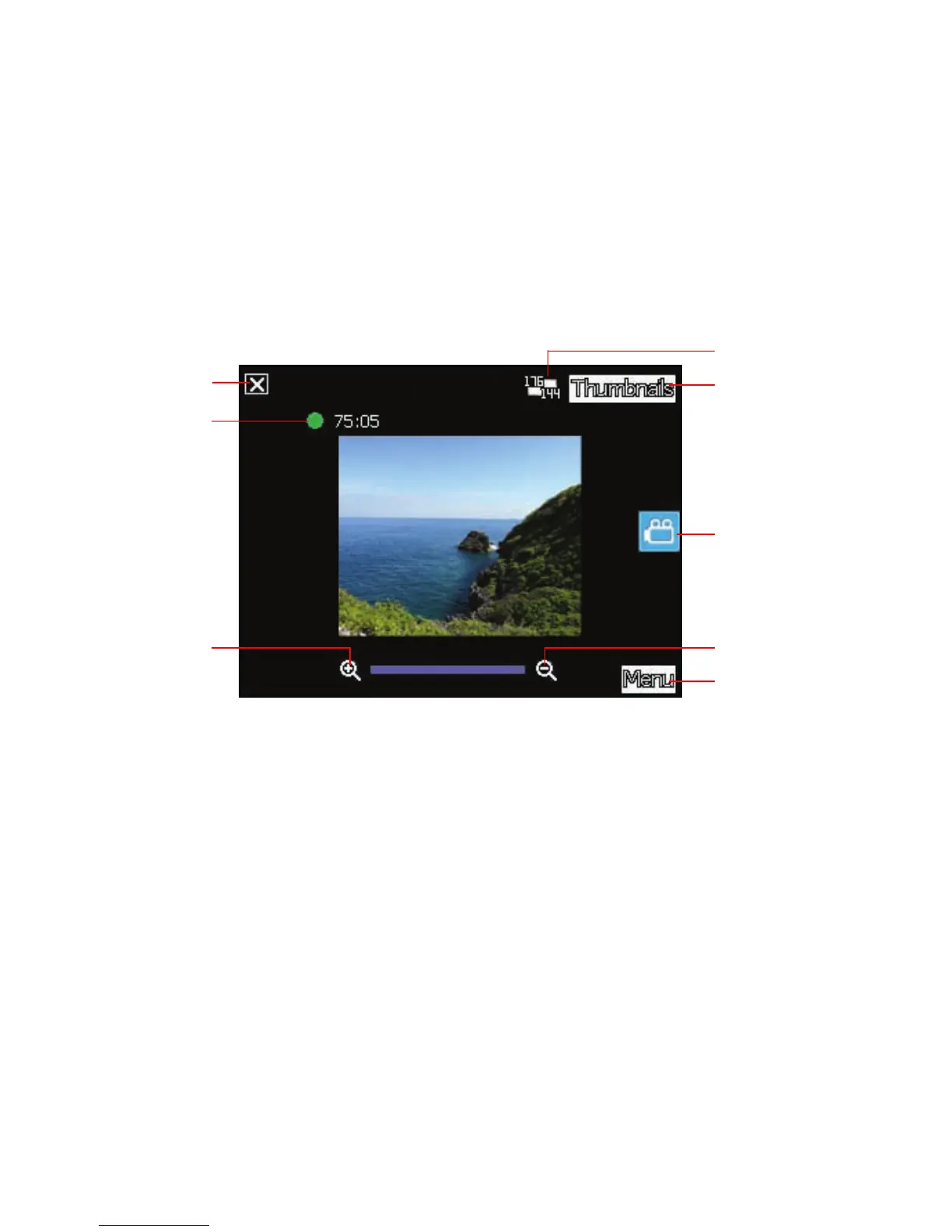
The following describes the screen icons in Video mode:
Video options menu
The video options menu allows you to change various video and playback settings.
To launch video options menu:
1. Tap Menu from the video screen.
2. From the shortcut menu, tap an icon to display contents.
• Video Size: Allows you to set the frame size of video.
• Advanced: This option allows you to set the following settings: Camera, Video, Color
Adjustment, and General.
Tap to zoom out
Tap to zoom in
Video size
Video mode
Tap to launch menu
Recording indicator
Green: Ready
Red: Recording
Tap to close camera
Tap to launch Pictures
& Videos



 To Next Page