145
EziMusic
EziMusic enables you to enjoy music and manage music les easily.
To launch EziMusic, do either of the following:
• Tap > Programs > EziMusic.
• Press the AnyTime Launcher key, then tap > EziMusic.
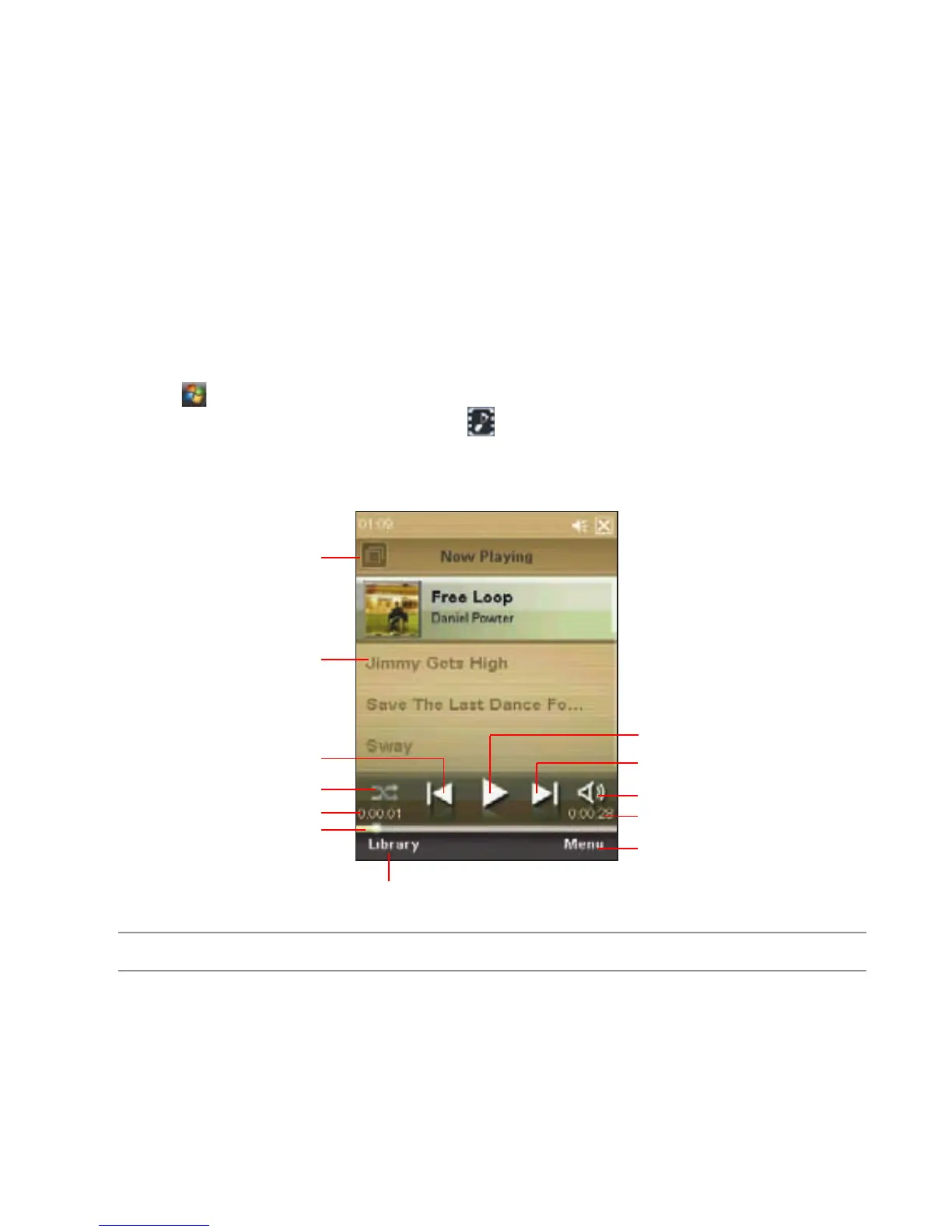
The following describes the EziMusic prole on your device.
Tap to play the next le
Tap to play the selected le
Tap to open the menu list
Tap to adjust the volume
Tap to enter the Library
Tap to select the le
Tap to change shufe/repeat modes
Tap to enter the Library
Tap to play the previous le
Displays the time elapsed
Displays the total playing time
Drag the slider to change the
playing process
NOTE: For more details, refer to the Feature Highlights Guide.



 To Next Page