49
Using MultiHome
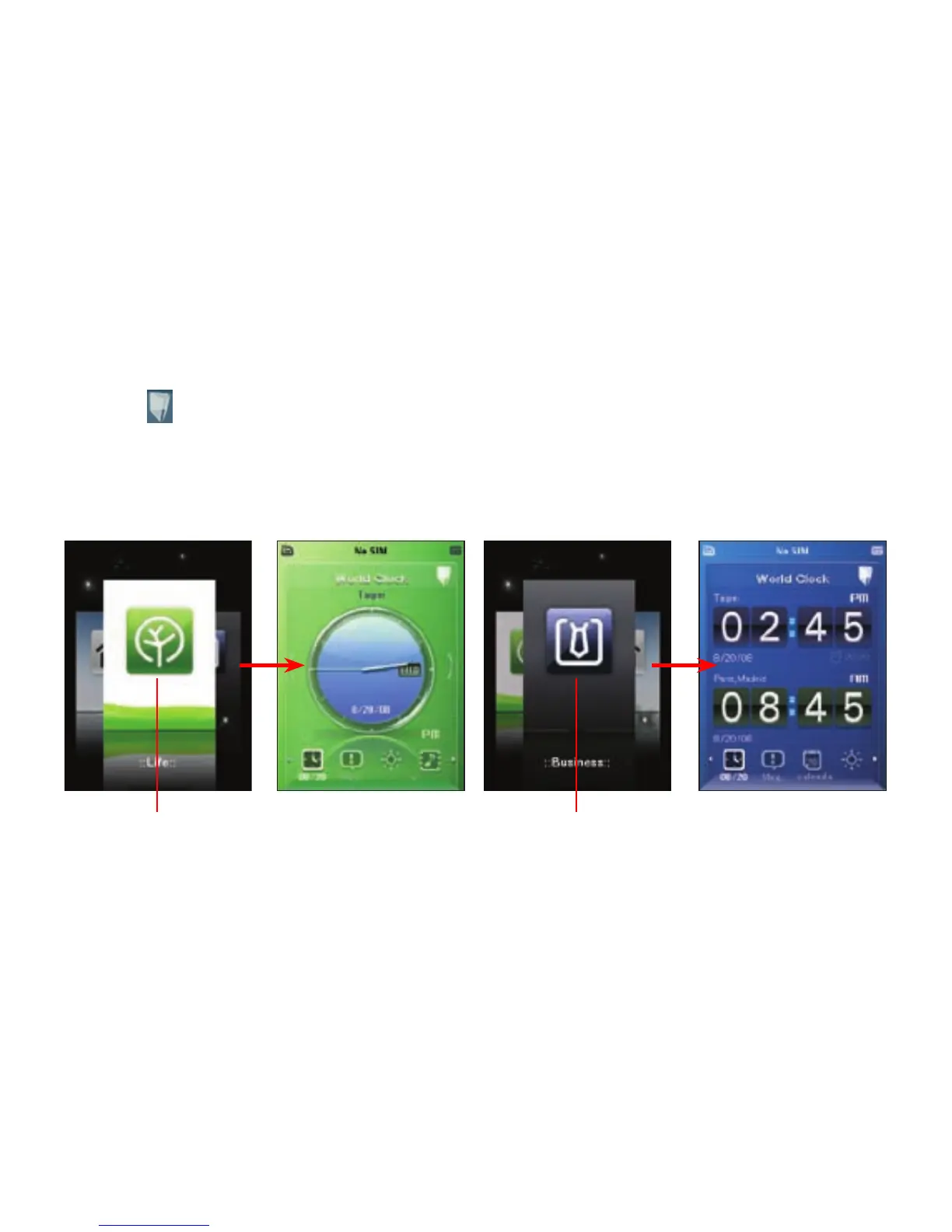
MultiHome provides three themes for the ASUS Today screen: Original, Business, and Life. You can
change the theme according to your preference.
To change the theme:
1. Tap from the ASUS Today screen to launch MultiHome.
2. To navigate through the Original, Business, and Life themes, push the navigation key leftward or
rightward, or draw a horizontal line on the screen with the stylus.
3. Tap the screen to apply your selected theme.
Tap the screen to apply the theme
to the ASUS Today screen.
Life theme
Tap the screen to apply the theme
to the ASUS Today screen.
Business theme



 To Next Page