34
Starting up
Powering your device
Ensure that your device is fully-charged before using the device for the rst time.
To turn on power:
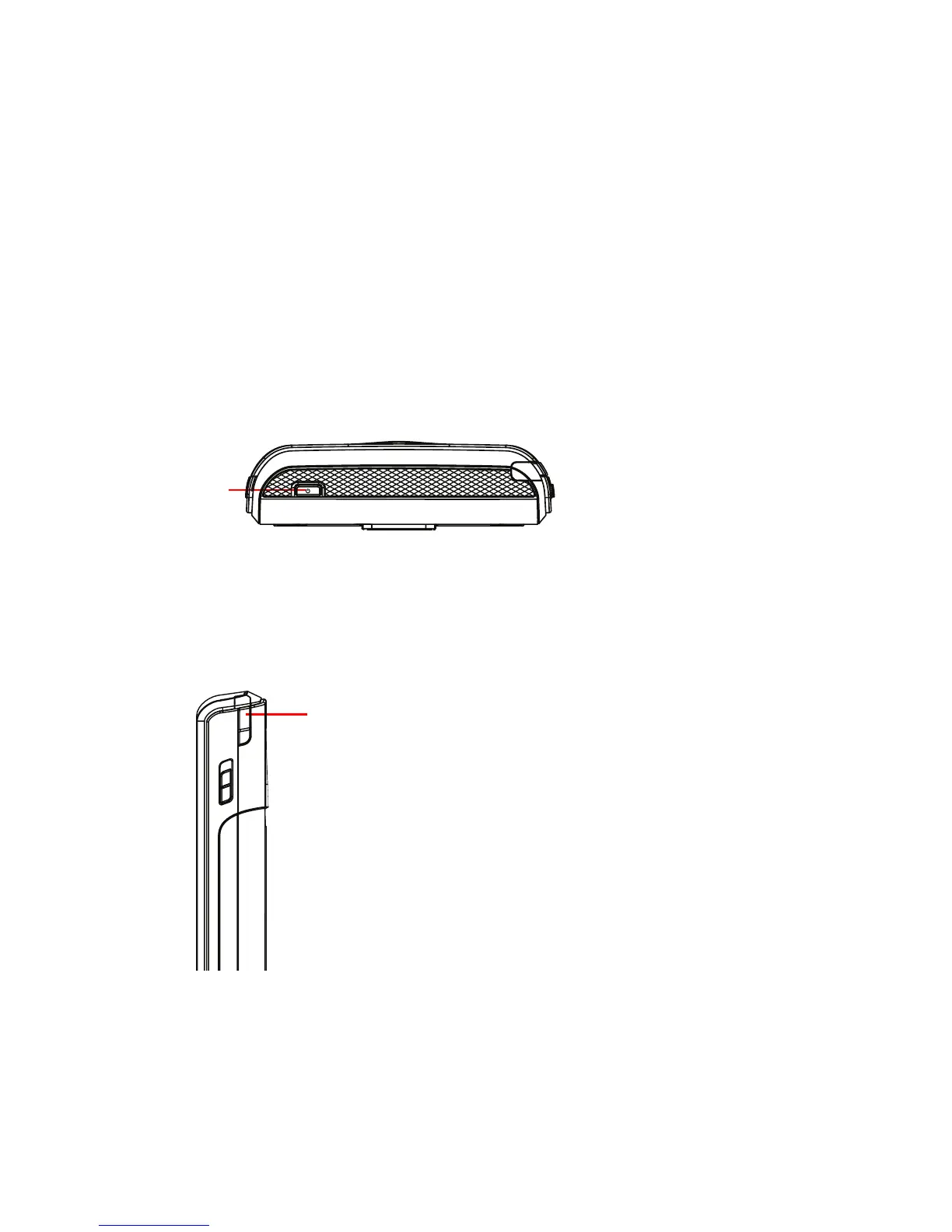
1. Press and hold the Power button on top of the device.
Using the stylus
The stylus is a pen-like device found behind the upper right corner of your device.
• Use the stylus to write, draw, select, or drag an
item on the screen.
• Single-tap an item to select or open it.
• Tap and hold an item to see a menu.
2. Follow the onscreen instructions to align the screen and set the local time zone.
Power button
Stylus



 To Next Page