151
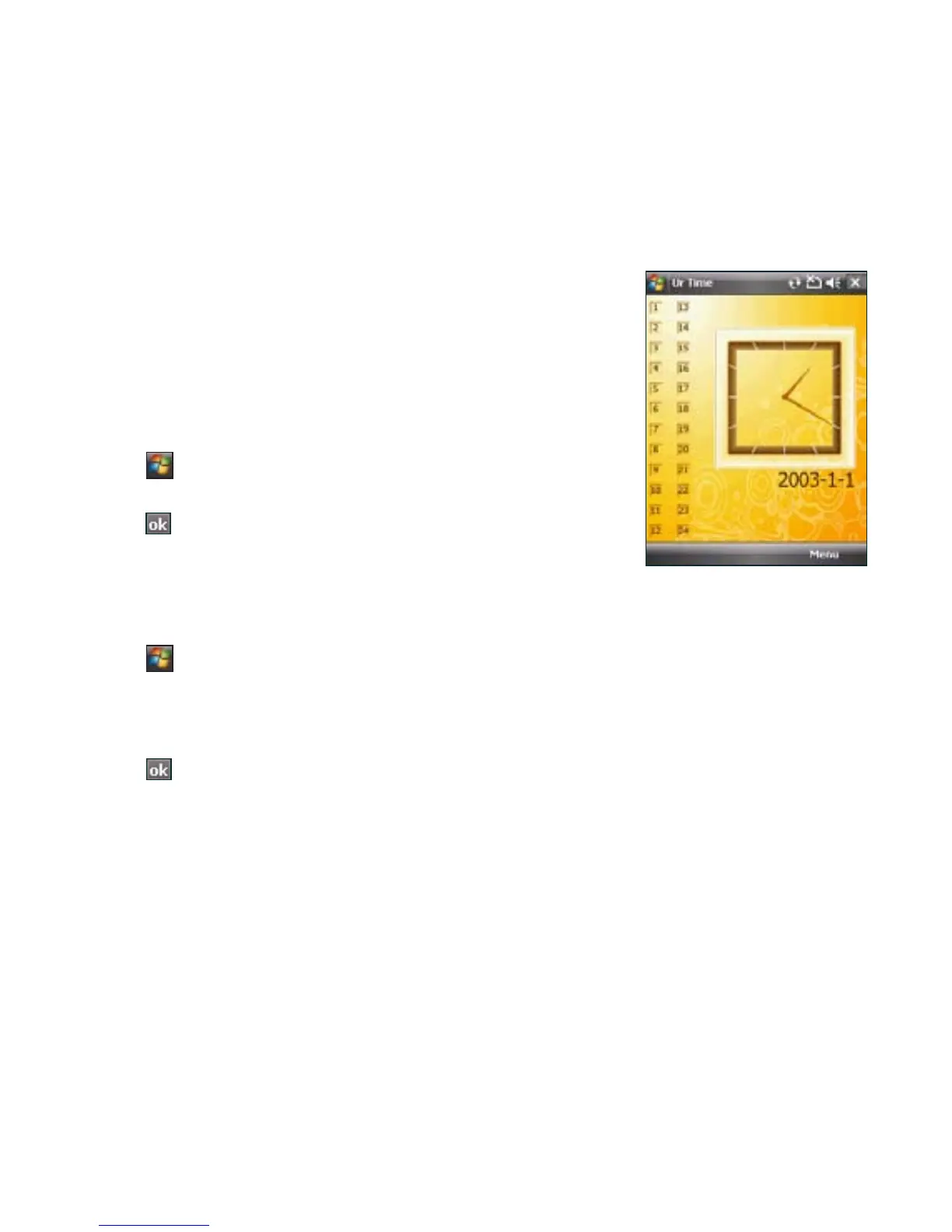
Ur Time
Ur Time allows you to set the time and alarm at your current location as
well as set the time for up to four cities.
Setting time
To set time:
1. Tap > Programs > Ur Time.
2. Tap Menu > Time. Set the local time at your current location.
3. Tap when nished.
Setting alarm
To set the alarm:
1. Tap > Programs > Ur Time.
2. Tap Menu > Alarm, then tap New to add a new alarm, or select an existing alarm and tap Edit.
3. Set alarm details.
To activate anti-snooze feature, check the Snooze box and set snooze interval.
4. Tap when nished.



 To Next Page