33
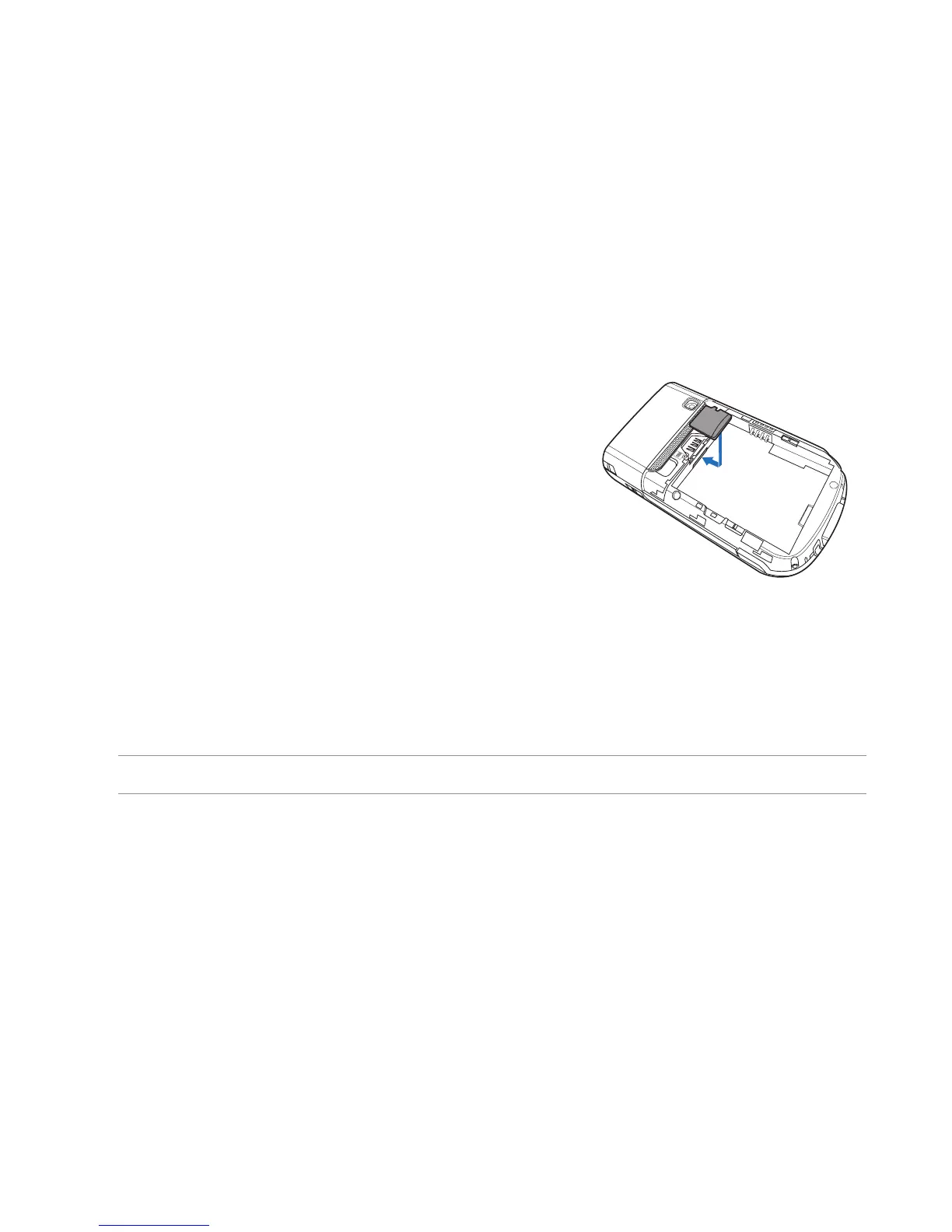
Installing and removing a microSD card
Your device is equipped with a microSD card slot. A microSD card provides you with extended memory
where you can store your les and other data.
To install a microSD card:
1. Locate the microSD card slot beneath the SIM card slot inside
the device.
2. With the golden ngers facing down, gently insert the microSD
card into the slot until it snaps properly.
3. To remove, push the card until it ejects out, then remove the card safely.
NOTE: The microSD card is an optional accessory.



 To Next Page