35
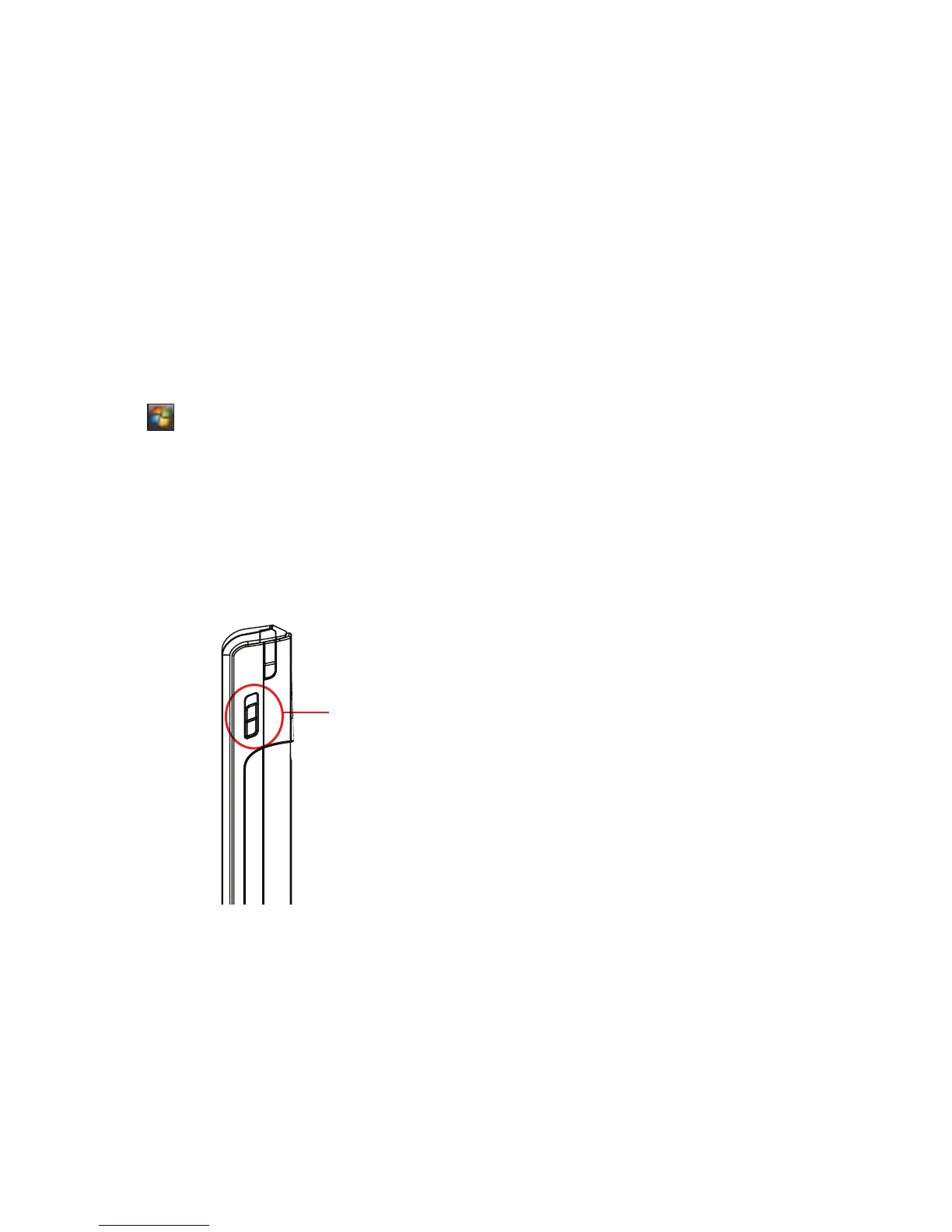
Locking your device
You can lock the keys, buttons, and touch screen of your device to avoid inadvertently dialing numbers or
launching any application.
Calibrating your device
Calibrating your device ensures that the item you tap on the screen is activated. This involves tapping the
center of targets that appear in various locations on the screen.
To calibrate your screen:
1. Tap > Settings > System tab, then tap Screen icon.
2. On the General tab, tap Align Screen, then follow the calibration screen instructions.
• Locate the Hold button and slide downward to
lock.
• Slide upward to unlock.
Hold button



 To Next Page