154
Setting Remote Calendar
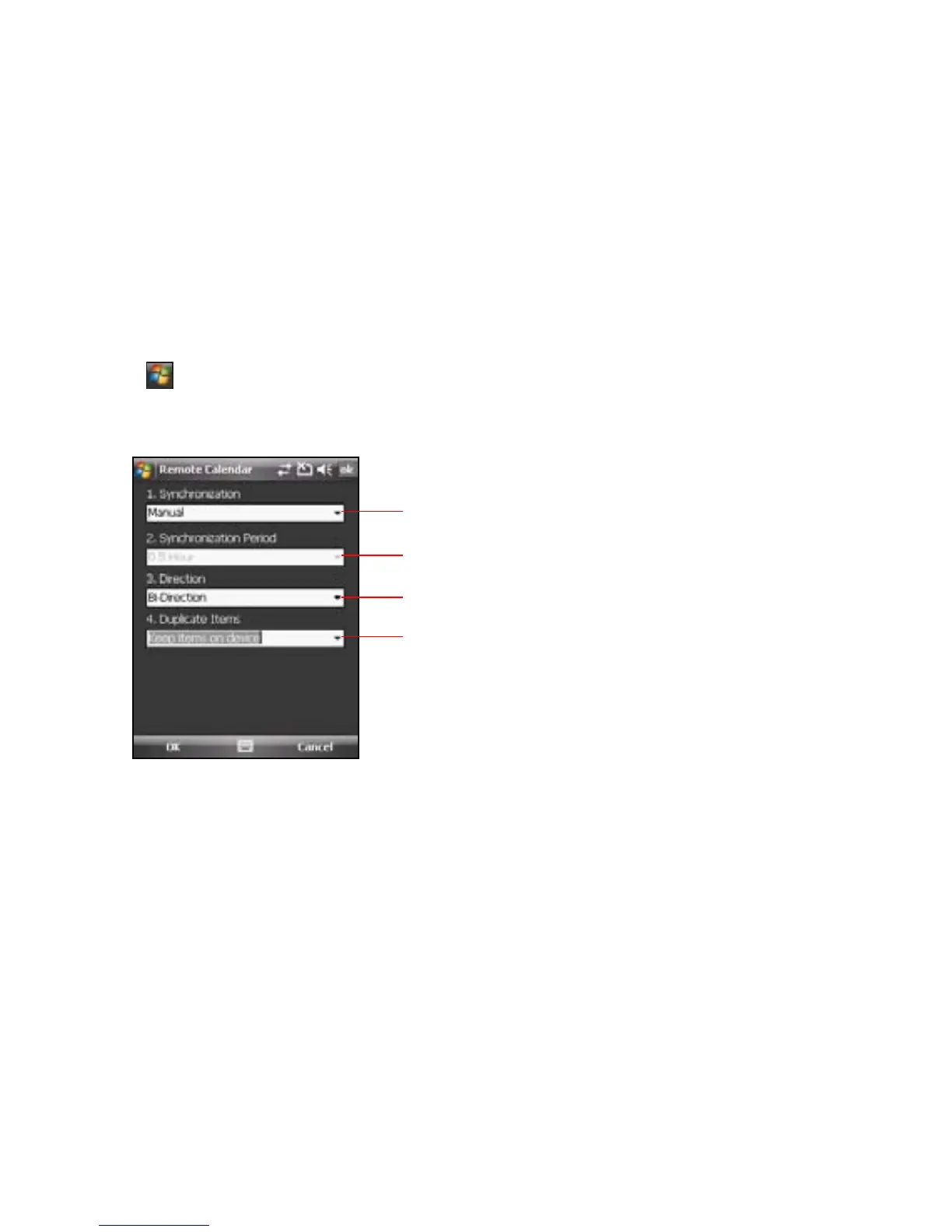
The Remote Calendar allows you to set synchronization mode.
To set your Remote Calendar:
1. Tap > Programs > Remote Calendar > Option > Setting.
2. Set your desired synchronization mode, then tap OK to apply changes or tap Cancel to quit.
Tap to select sync mode.
Tap to select sync direction.
Tap to select sync interval.
This item is inactive when the sync mode is set to Manual.
Tap to select priority when event conict happens.



 To Next Page