31
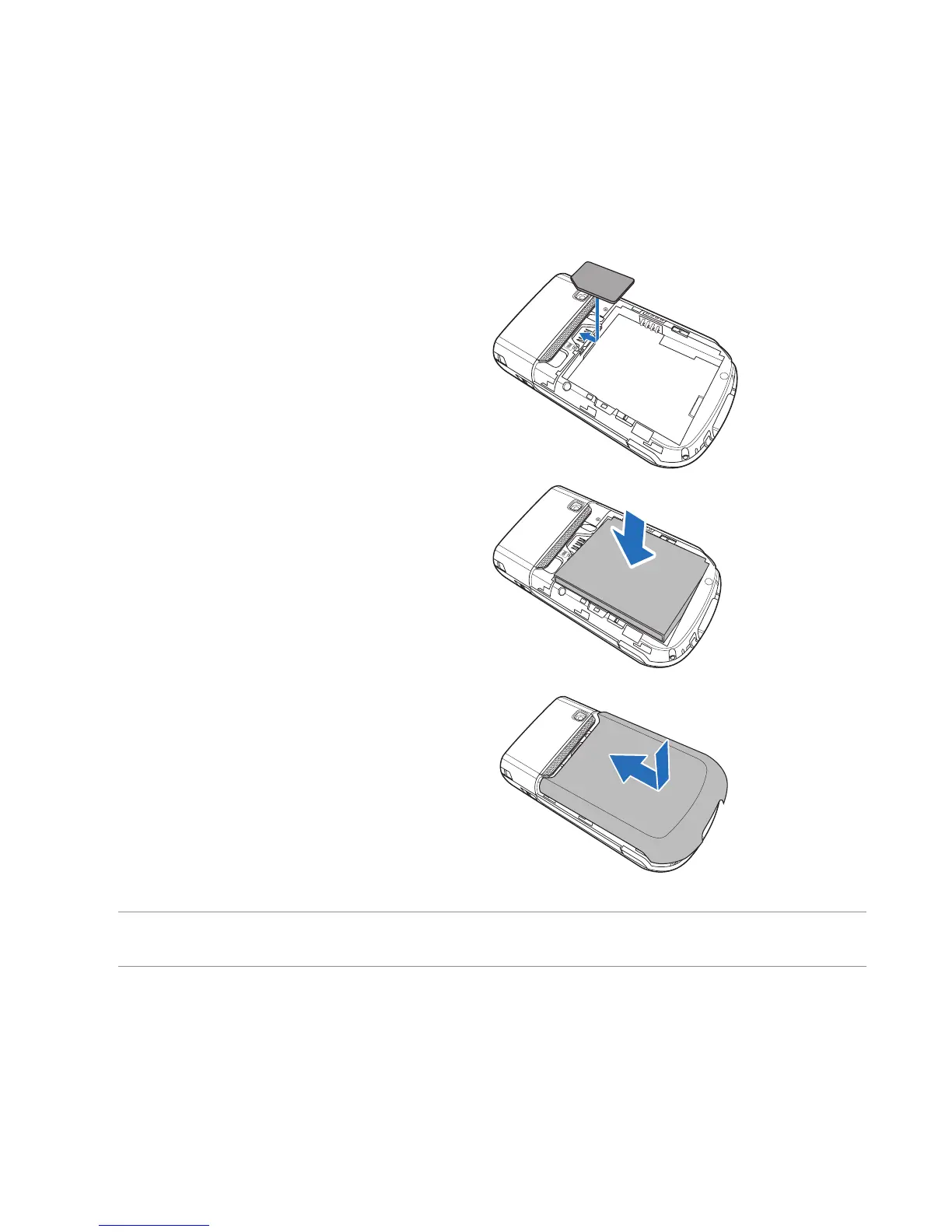
2. Insert the SIM card with its gold contacts
facing down and the notched corner oriented
to the upper left corner of the slot as shown.
3. Install the battery into the compartment with its
copper contacts properly aligned to the copper
conductor on the device.
4. Replace the battery compartment cover.
NOTE: To avoid losing your customized settings, replace the battery within ve minutes of removing it from your
device.



 To Next Page