71
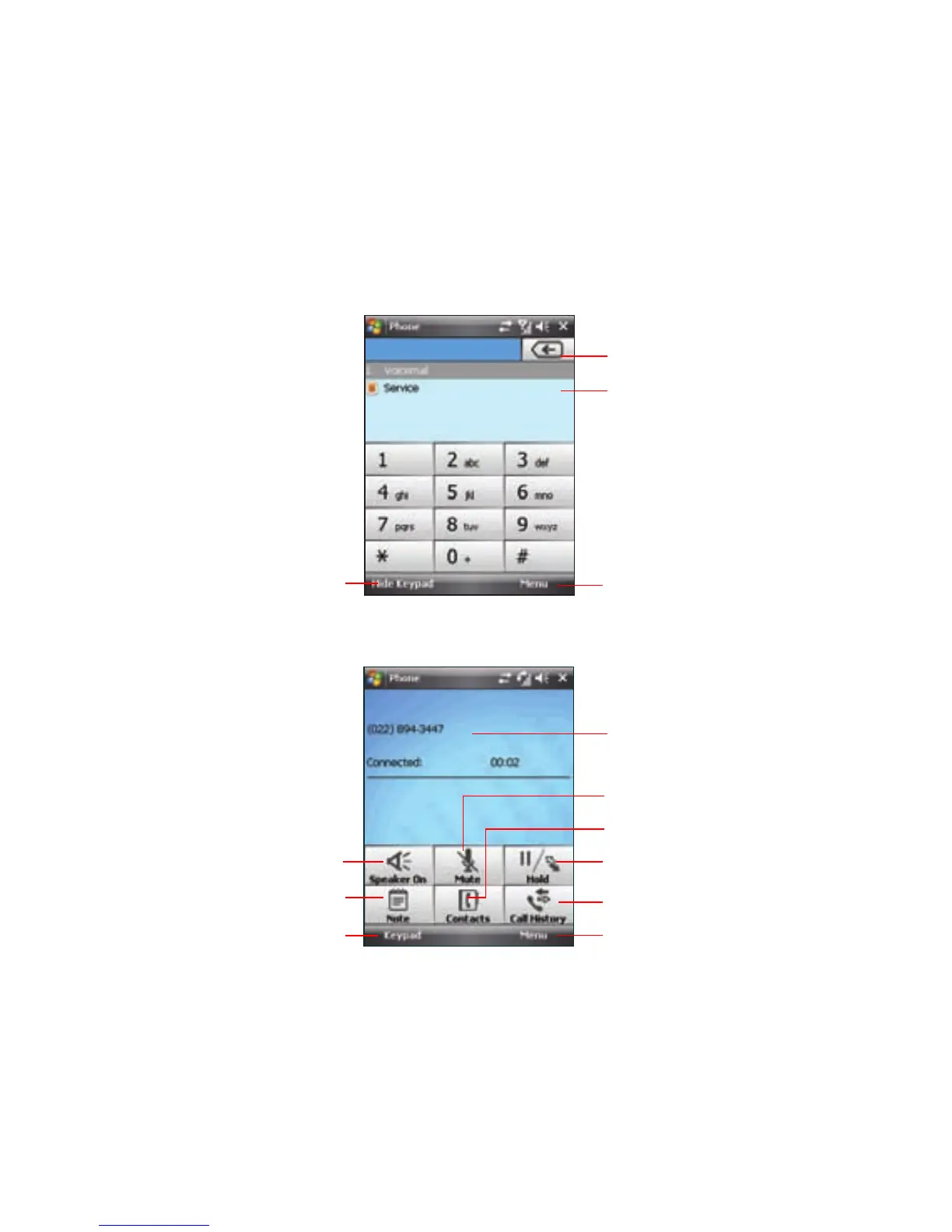
Phone pad features
Tap to put a call on hold
Tap to launch Call History
Tap to launch Menu
Displays the current call status
Tap to mute/unmute a call
Tap to launch the Contacts list
Tap to switch between keypad and call
status screen
Tap to turn the speaker on/off
Tap to take notes
Back arrow
Contacts
Tap to show/hide the keypad
Tap to launch Menu



 To Next Page