73
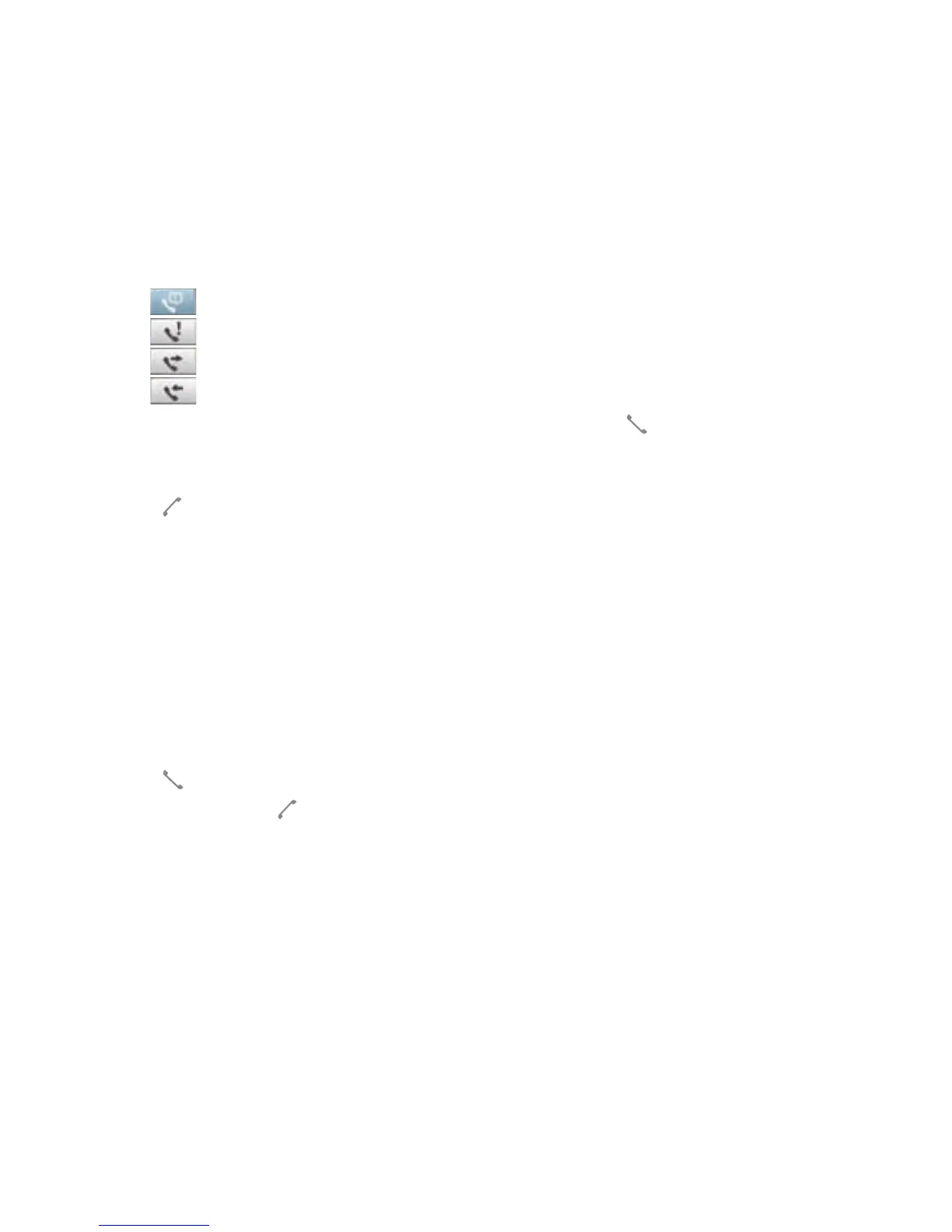
The Call History screen displays the following tabs:
• (default): Displays all calls made, received, or missed.
• : Displays all missed calls.
• : Displays all the calls you made.
• : Displays all the calls you received.
2. Scroll to the desired contact or phone number, then tap Call or press .
Tap Menu to do other tasks such as saving a caller’s contact information to your Contacts list, or send
a text message to a caller.
3. Press to end the call.
Calling using Smart dialer
The Smart dialer feature in your device enables you to nd a contact more quickly. Just key in the rst
letters of the contact you want to call. Your device smartly matches it with your Contacts list and displays
the possible matches.
To use Smart dialer:
1. On the phone pad, key in the rst letters of the contact name.
2. From the list displayed, tap the contact you want to call.
3. Press .
4. To end the call, press .



 To Next Page