5-32
Chapter 5: BIOS Setup
Socket Configuration
PCIE1 / PCIE2 / MEZZPCIE1 Option ROM [Enabled]
Allows you to enable or disable the PCIE1 / PCIE2 / MEZZPCIE1 Option ROM.
Congurationoptions:[Disabled][Enabled]
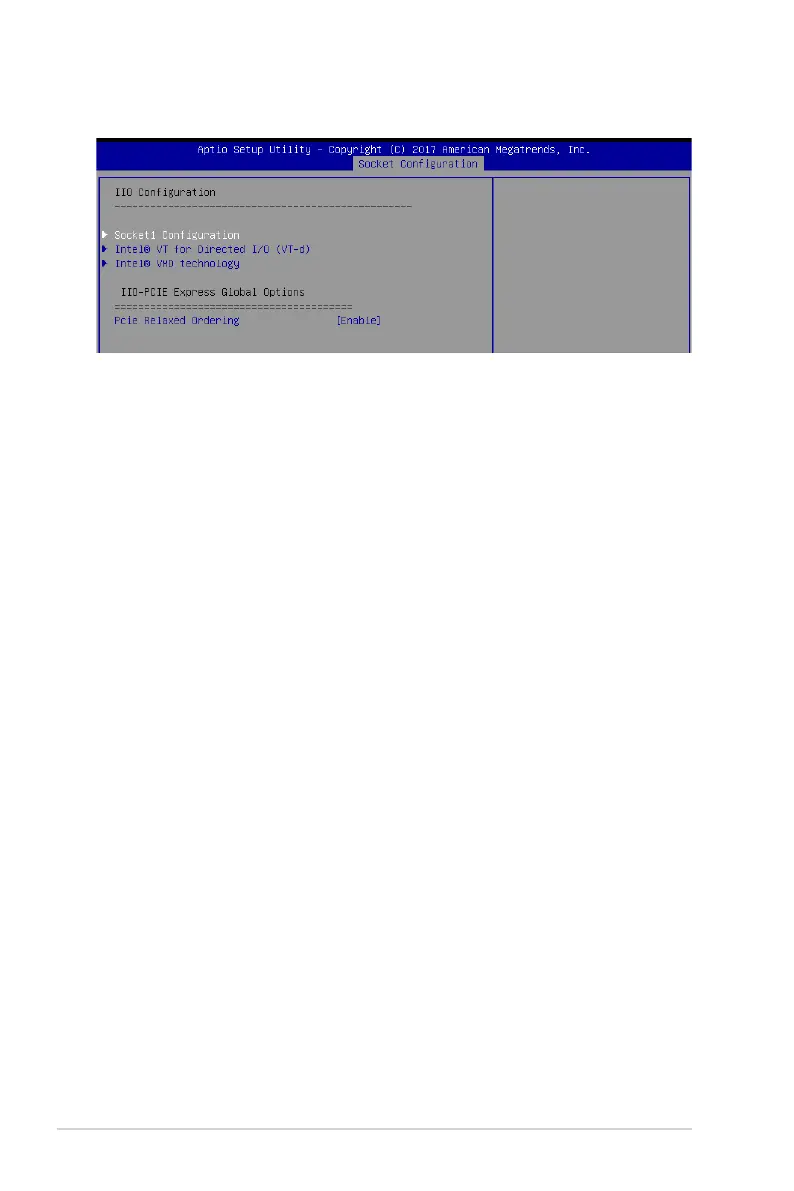
Intel(R) VT for Directed I/O (VT-d)
Intel(R) VT for Directed I/O (VT-d) [Disabled]
Allows you to enable or disable the Intel Virtualization Technology for Directed I/O.
Congurationoptions:[Disabled][Enabled]
Intel(R) VMD Technology
Intel(R) VMD for Volume Management Device on Socket 0-3
Allows you to enable or disable the Intel(R) VMD for Volume Management Device
Technologyonaspecicstack.
Congurationoptions:[Disabled][Enabled]
PCI Express Global Options
PCIE relaxed Ordering [Enabled]
Allows you to enable or disable PCIE relaxed Ordering.
Congurationoptions:[Disabled][Enabled]
5.6.5 IIO Configuration














 To Next Page