5-38
Chapter 5: BIOS Setup
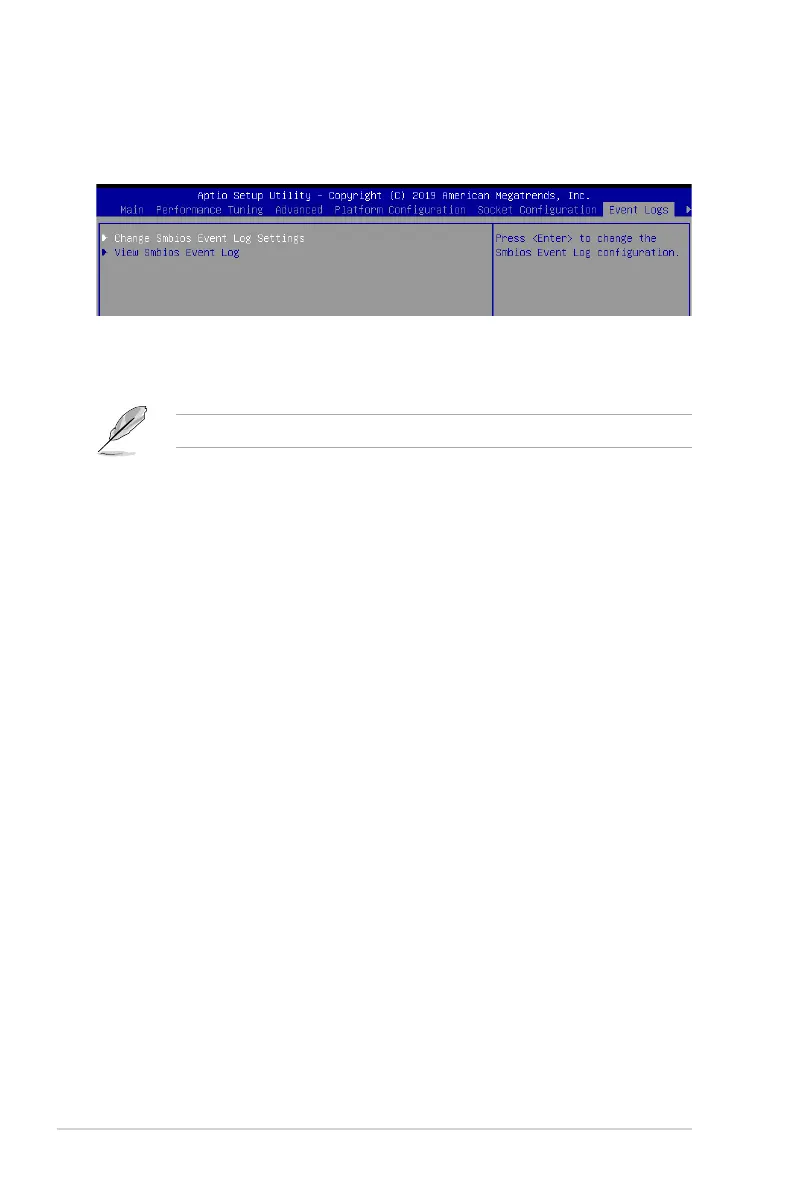
5.8 Event Logs menu
TheEventLogsmenuitemsallowyoutochangetheeventlogsettingsandviewthesystem
event logs.
5.8.1 Change Smbios Event Log Settings
Press<Enter>tochangetheSmbiosEventLogconguration.
Enabling/Disabling Options
Smbios Event Log [Enabled]
ChangethistoenableordisableallfeaturesofSmbiosEventLoggingduringboot.
Congurationoptions:[Disabled][Enabled]
Erasing Settings
Erase Event Log [No]
ChooseoptionsforerasingSmbiosEventLog.Erasingisdonepriortoanyloggingactivation
during reset.
Congurationoptions:[No][Yes,Nextreset][Yes,Everyreset]
5.8.2 View Smbios Event Log
Press <Enter> to view all smbios event logs.
Allvalueschangedheredonottakeeffectuntilcomputerisrestarted.














 To Next Page