2-35
ASUS RS720-E9 Series
2.5.6 Installing an ASUS PCIE-NVME4-OCuLink card
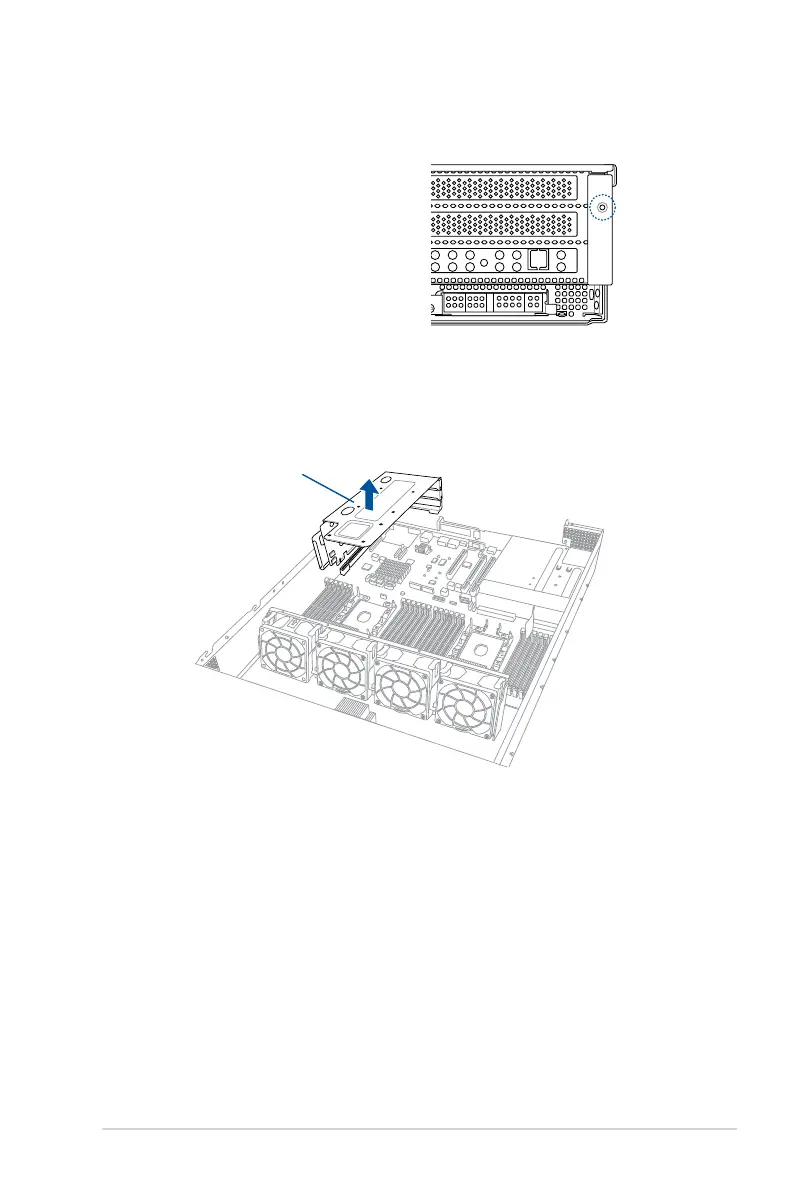
ToinstallanASUSPCIE-NVME4-OCuLink
card on the riser card bracket 1:
1. Remove the screw that secures the
riser card bracket 1 to the chassis.
2. Firmly hold the riser card bracket 1, then pull it up to detach it from the PCIE1 slot on
the motherboard.
Riser card bracket 1














 To Next Page