2-45
ASUS RS720-E9 Series
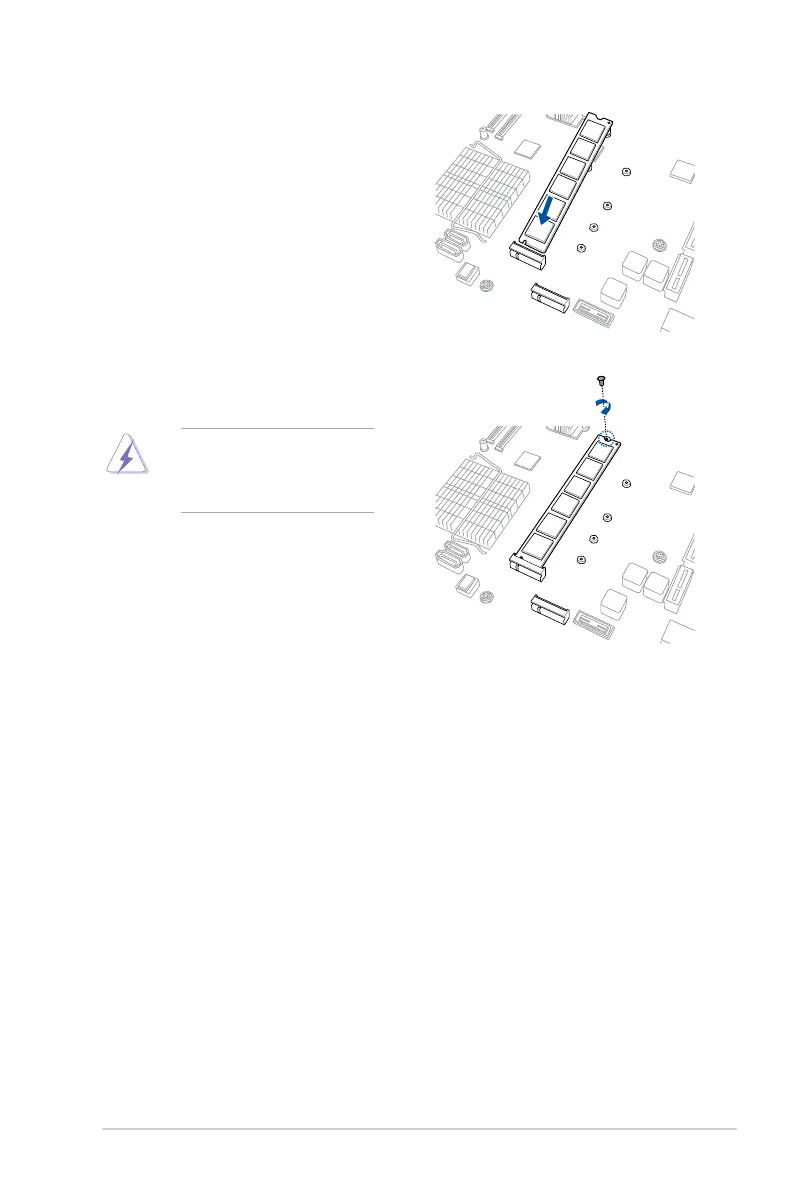
Ensure that the M.2 card is
positioned between the top screw
and the stand screw before
securing it.
4. Prepare the M.2 card.
5. Align and insert the M.2 card into the
M.2 connector on the motherboard.
Ensure that the golden connector
oftheM.2cardisinsertedrmlyin
place and that the screw hole on the
M.2 card matches the stand screw
on the motherboard.
6. Secure the M.2 card with the top
screw.














 To Next Page