19
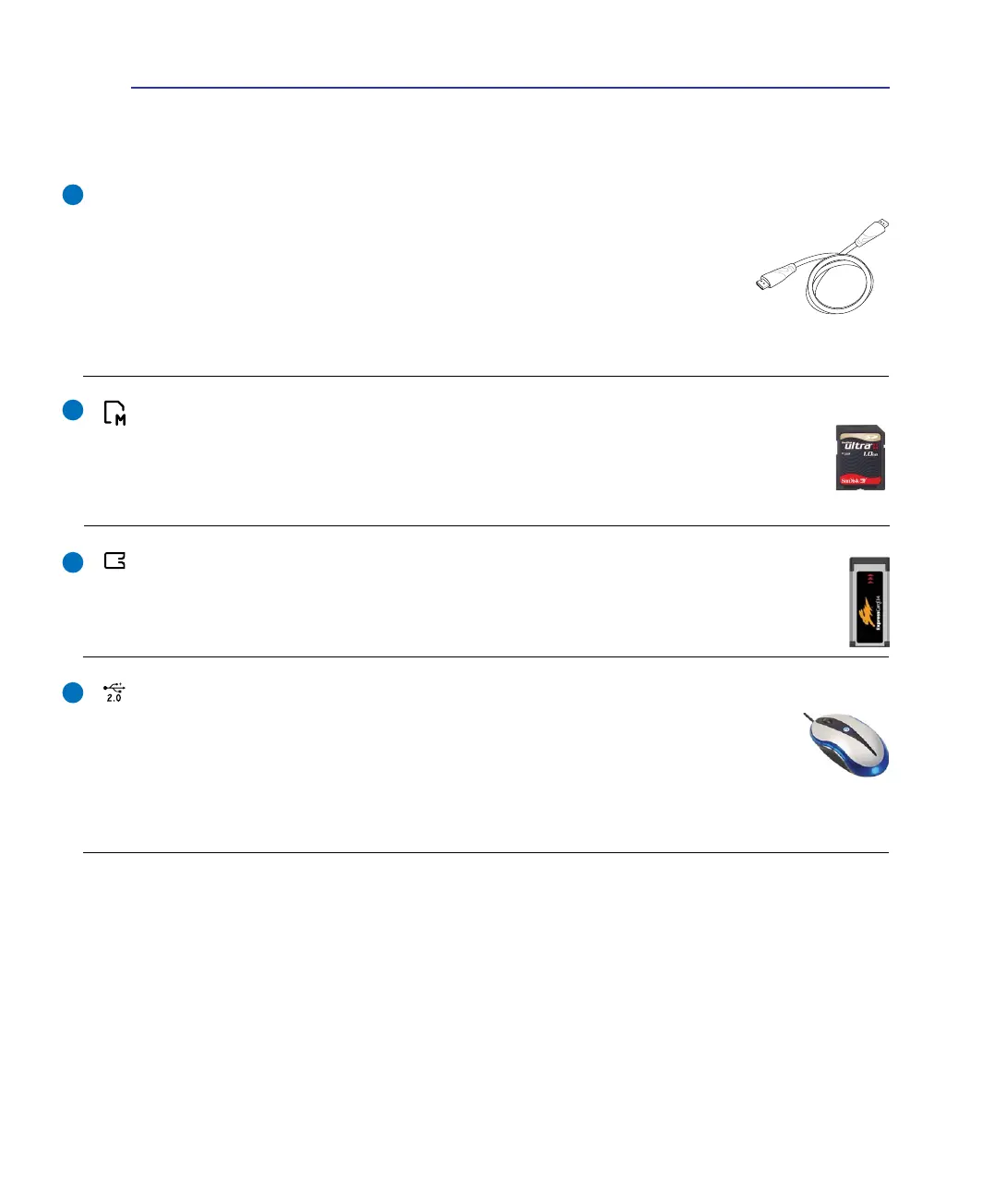
ExpressCard Slot
One 26pin Express card slot is available to support one ExpressCard/34mm expansion card. This
new interface is faster by using a serial bus supporting USB 2.0 and PCI Express instead of the
slower parallel bus used in the PC card slot. (Not compatible with previous PCMCIA cards.)
USB Port (2.0/1.1)
The USB (Universal Serial Bus) port is compatible with USB 2.0 or USB 1.1 devices such
as keyboards, pointing devices, cameras, hard disk drives, printers, and scanners connected
in a series up to 12Mbits/sec (USB 1.1) and 480Mbits/sec (USB 2.0). USB allows many
devices to run simultaneously on a single computer, with some peripherals acting as additional plug-in
sites or hubs. USB supports hot-swapping of devices so that most peripherals can be connected or
disconnected without restarting the computer.
5
6
Knowing the Parts 2
HDMI Port (on selected models)
HDMI (High-Denition Multimedia Interface) is an uncompressed all-digital
audio/video interface between any audio/video source, such as a set-top box,
DVD player, and A/V receiver and an audio and/or video monitor, such as a
digital television (DTV). Supports standard, enhanced, or high-denition video,
plus multi-channel digital audio on a single cable. It transmits all ATSC HDTV
standards and supports 8-channel digital audio, with bandwidth to spare to
accommodate future enhancements or requirements.
HDMI
Flash Memory Slot
Normally an external memory card reader must be purchased separately in order to use
memory cards from devices such as digital cameras, MP3 players, mobile phones, and PDAs.
This Notebook PC has a built-in high-speed memory card reader that can conveniently read
from and write to many ash memory cards as mentioned later in this manual.
7
8


 To Next Page