④Copy: Select the image and click “Copy”, the image is juxtaposed with the position of the original image.
Figure 4-8 Copy
⑤Delete image: Select the image with the left mouse button and click “Delete Image” to delete the selected
image.
⑥Mirroring: Mainly mirroring the selected image, the image can be mirrored with a left mouse click, but this
image can only mirror the image one by one.
⑦Repeat : mainly for the selected image to be exposed to the sun, the left mouse button clicks " Repeat " to
appear the following dialog box:
Figure 4-9 Repeat
Number of repeat: mainly based on the width and height of the image.
Image size: It is mainly to set the width and height of the image to be the size of the drying (the height is
recommended to use even numbers of continuous drying to ensure the whole return position).
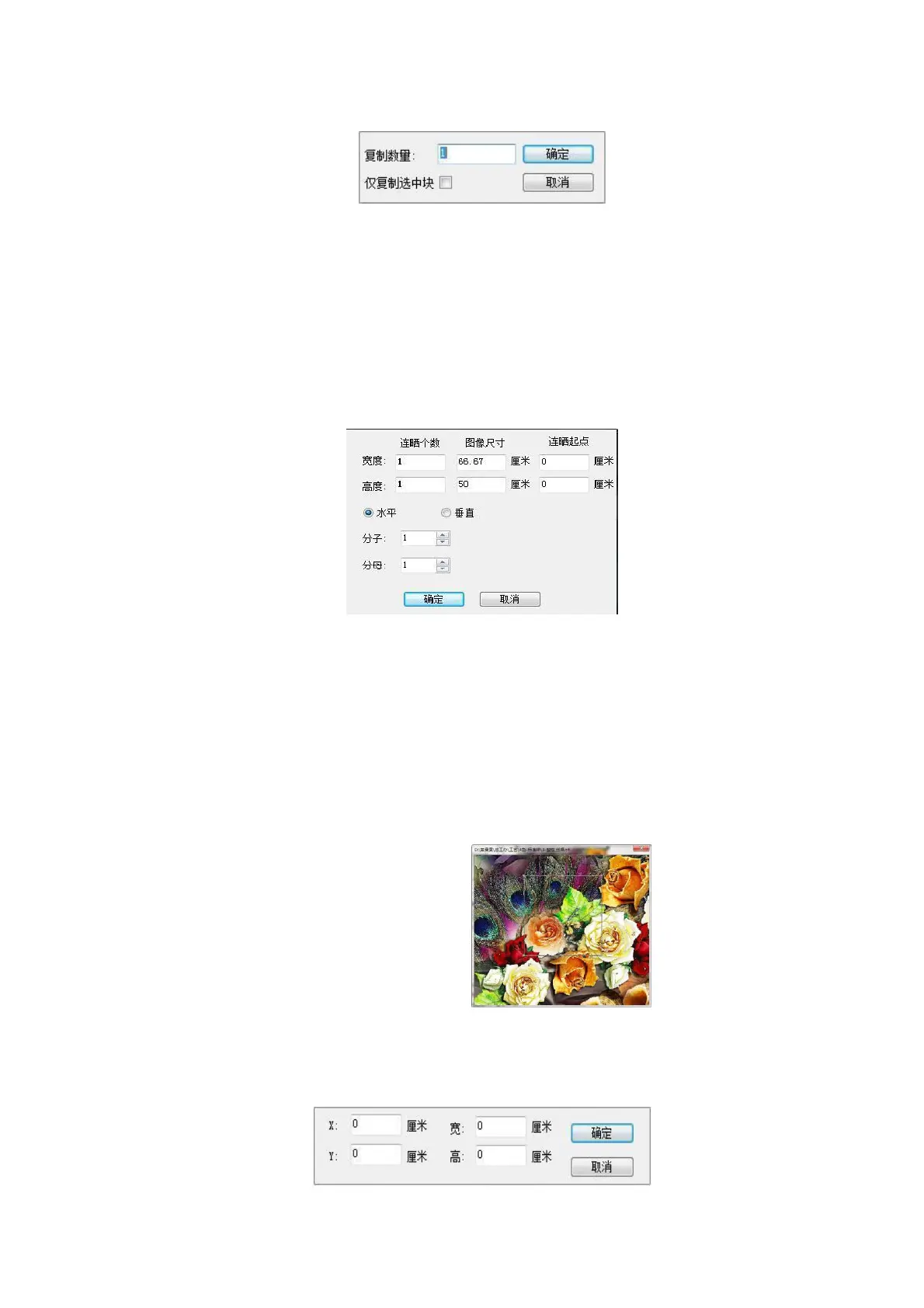
⑧Cropping: Right-clicking the following dialog box appears, you can choose to manually drag the right pull
frame to edit the image or enter the width of the image with or with the digital input and the height of the image.
Manually drag the right pull frame clip image:
Figure 4-10 Clipping
Enter the width of the desired image with or with a digital input and the height of the image:
图 4-11 裁剪



 To Next Page