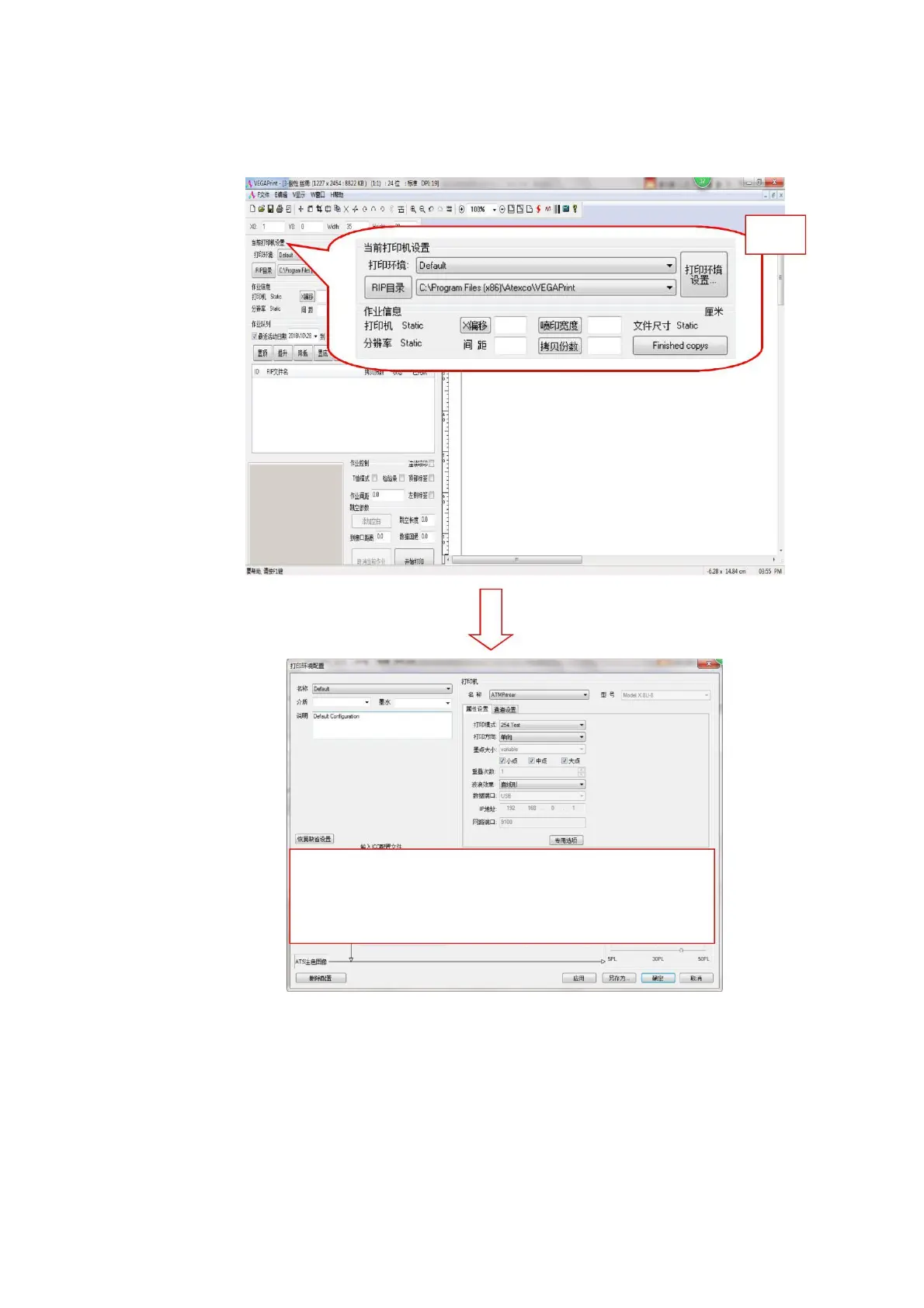
Print parameter setting
Click the left mouse button to set the following dialog box to set the printer name, print port, IP address,
print parameter settings, density curve, color fine-tuning, channel setting, color management.
Figure 4-12 Print parameter settings
1. Printer Name: Used to select the model of the printer, default AjetPrinter
2. Model: Select the model of the current printer. This model is Model S.
3. Attribute setting: set the current printing mode, print direction (one-way or two-way), dot size (large,
medium, small), wave effect (straight wave, natural wave, microwave, custom waveform).



 To Next Page