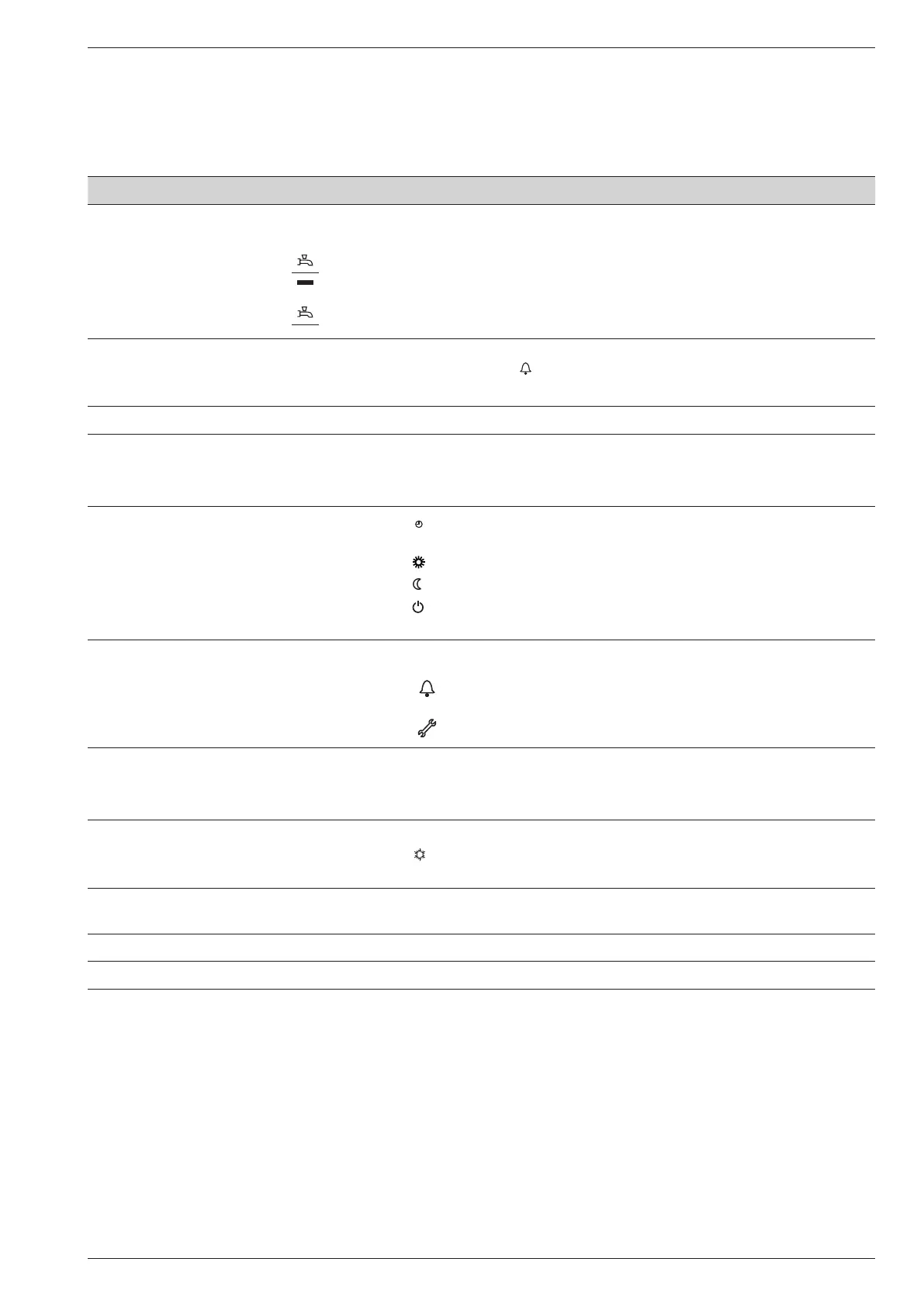
Ref. Function - Denitions
1 Selecting of the DHW operating mode
(Domestic hot water)
On
If the installation is tted with a DHW tank.
- On: Production of DHW according to the time program.
- Off: Preparing the domestic hot water for stopping with the anti-frost function
active.
- Manual start button: Hold down the DHW key for 3 seconds. Switch from
"reduced" to "comfort" until the next time the ECS timer switches over.
2 Digital display - Operating control. Readout of the current temperature, of the heating mode
and of any faults
.
- View the settings.
3 Exit "ESC" - Quit the menu.
4 Navigation and setting - Selecting the menu.
- Setting parameters.
- Adjusting the ambient temperature setpoint.
5 Selecting the heating mode
-
Heating operating according to the heating programme
(Summer/winter mode switchover is automatic).
-
Constant comfort temperature.
-
Constant reduced temperature.
-
Stand-by mode with anti-frost protection
(Provided that the heat pump's electrical power supply is not interrupted).
6 Information display - Various data (please see page 74).
-
Reading error codes (please see page 74).
-
Information concerning maintenance, special mode.
7 Conrm "OK" - Input into the selected menu.
- Conrmation of the parameter settings.
- Conrmation of the adjustment to the comfort temp. setting.
8 Selecting cooling mode If the installation is tted with the cooling kit:
-
Cooling operating according to the heating programme
(Summer/winter mode switchover is automatic).
9 RESET button
(Brief press)
- Reinitialising the parameters and cancelling error messages.
Do not use during normal operation.
10 Control knob - Adjusting the ambient temperature setpoint.
11 Presence key - Comfort / Reduced switchover.
Installation and operation manual "1734 - EN" - 47 -
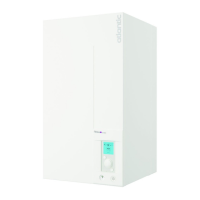
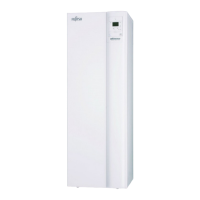
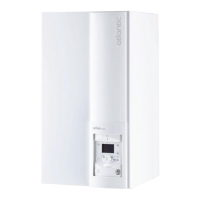
Heat pump air/water split 1 service alféa extensa +



 To Next Page