21
Setting up and starting up
3. Click on “Capture Suite Basic“.
4. Restart your computer.
5. Installation is complete.
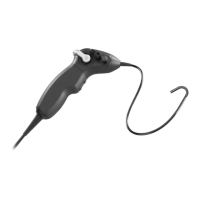
3.5.3 Installation of the ATMOS Scope using ATMOS Capture
Suite Basic
1. Launch the software.
2. Open the settings.
3. Select the ATMOS Scope as source.
4. Close the software.
5. Restart your computer.
6. Installation is complete.
3.6 Checks and tests
Depending on the working distance, the endoscopic image must be crisp, clear, and
bright.
The following test sequence must be conducted on the device before reprocessing
and immediately before use.


 To Next Page