25
Operation
4 Operation
4.1 Use/operation
• Handle the system with utmost care as it contains sensitive optical, mechanical,
and electronic components.
• Do not knock the distal end against hard surfaces.
• Do not knock or drop the ATMOS Scope, and protect it from blows and impacts.
• Do not bend, kink, pull, or squeeze the insertion and distal tube. The outer
sheath and inner components could become damaged.
• Never move the tip of the distal tube or tip cover glass against resistance. The tip
contains components that may scratch or break when used incorrectly.
4.1.1 Switching on and adjusting the system
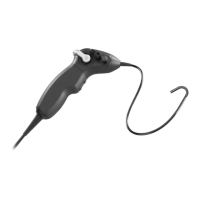
1. Take the exible ATMOS Scope in your hand.
& The system turns on.
4.1.2 Functions of the buttons with the ATMOS Capture Suite
When using the ATMOS Capture Suite Basic software, the upper button is "Trigger
snapshot" and the lower button is "Video Start/Stop".


 To Next Page