26
Operation
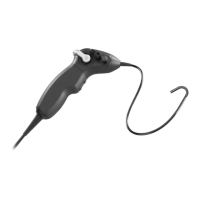
The two buttons on the handle body can be set in the software ATMOS Capture Suite
HD. In the photo mode of the programs, “Trigger snapshot” is stored by default on
the upper button and “Switch to video function” on the lower button. In the video
mode of the programs, the upper button is “Video start/stop” and the lower button is
“Switch to snapshot function".


 To Next Page