125
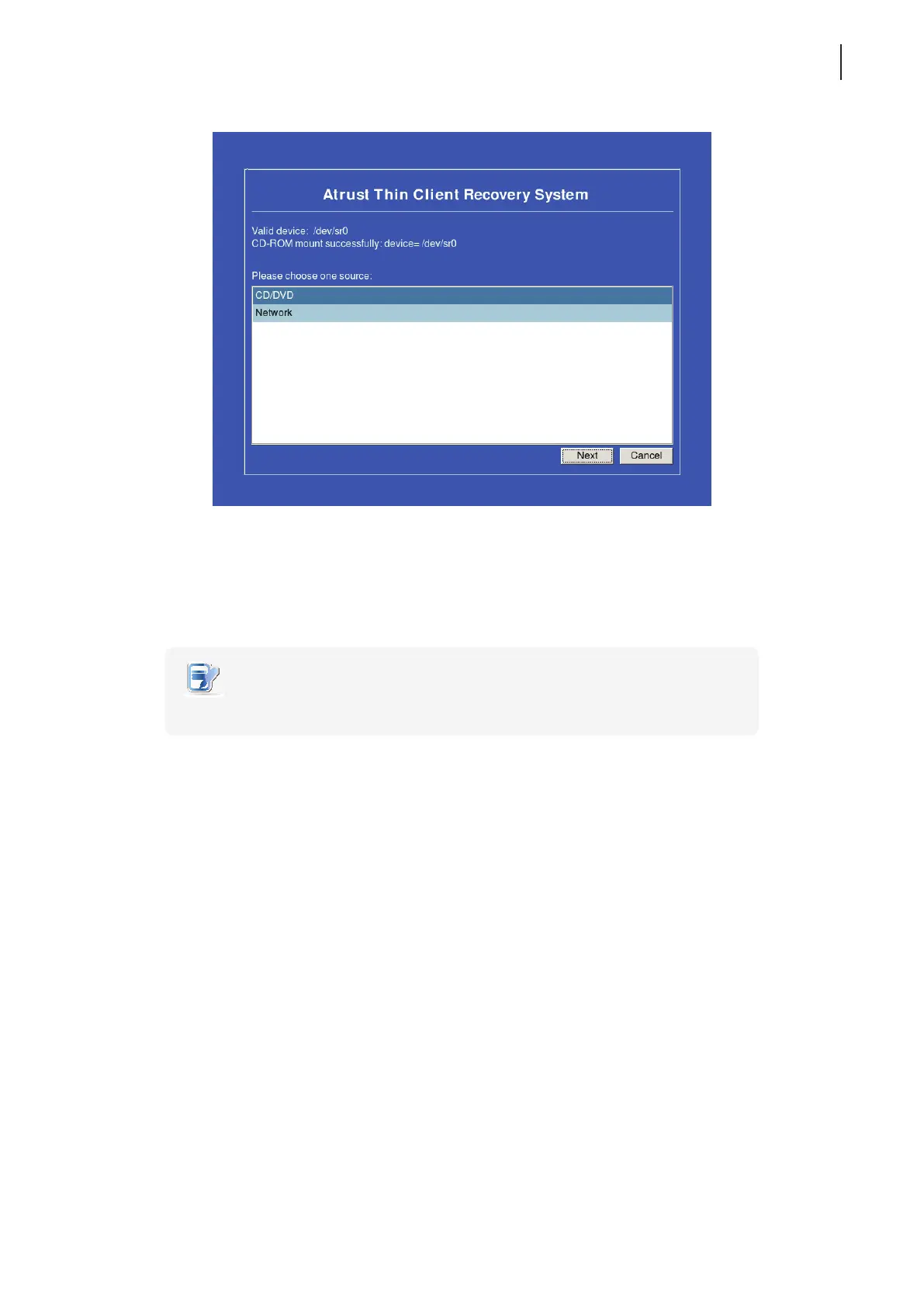
9. Select CD/DVD and then click Next to continue.
10. Select INSTALL or UPDATE, and then click Next to continue.
11. A screen appears prompting your to select the language of the user interface for your Atrust t68WD. Select
the desired language, and then press Next to continue.
NOTE
• The available UI languages may vary with the rmware version of your t68WD.
12. The system recovery starts.
13. After completion, remove the Recovery DVD and then click Finish to restart your system.



 To Next Page