Overview
LED Indicators
7
1.6 LED Indicators
Your t68WD is equipped with a Power LED to indicate the state of power. The meanings of LED signals are described
as follows:
LED Signal Meaning
Power LED
Off The client is off.
Blue The client is on.
Orange The client is in System Sleep mode.
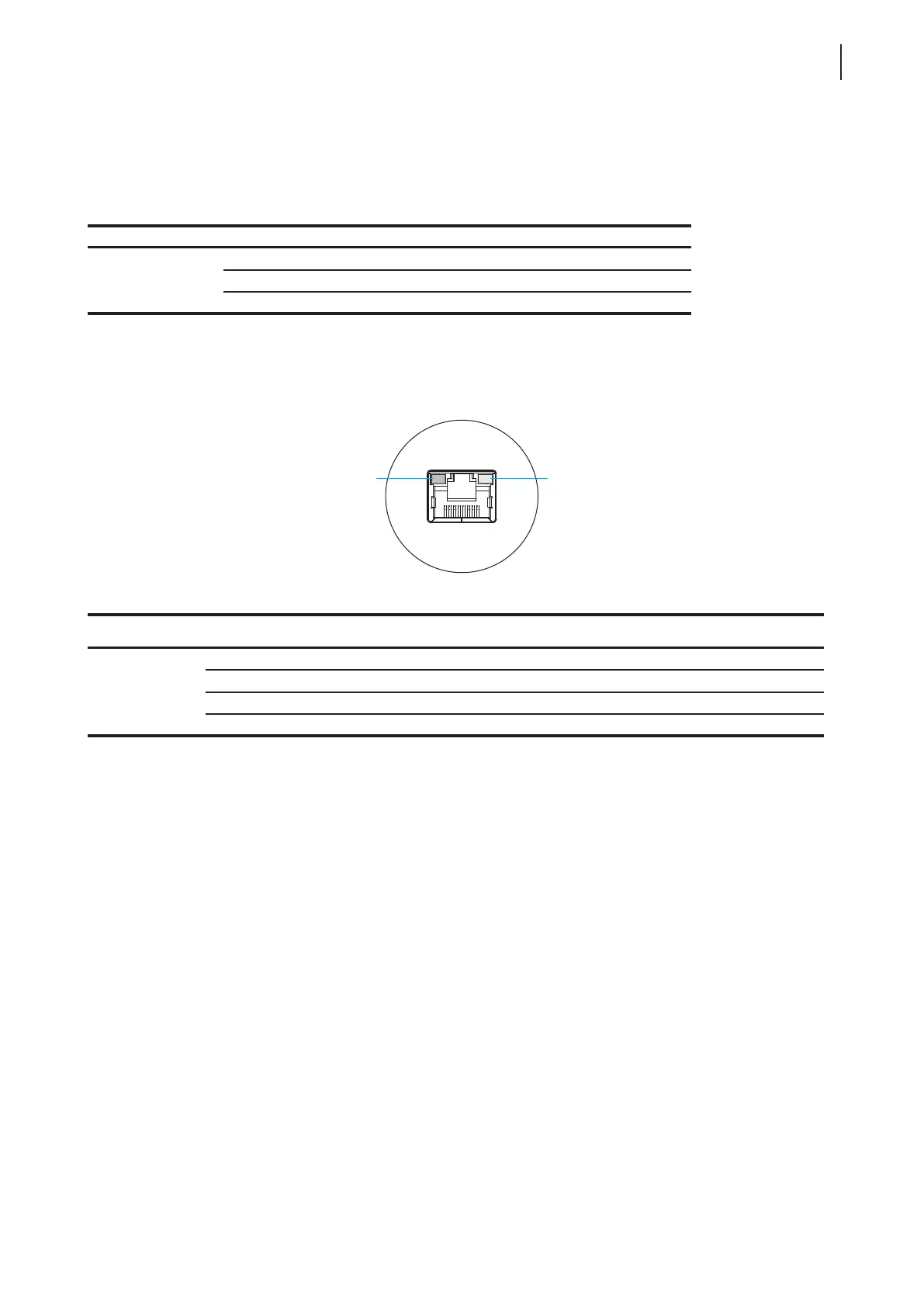
The LAN port of your t68WD is equipped with two LED indicators, showing the status of networking. The meanings
of LED signals of the LAN port are described as follows:
SPEED LED
(transmission rate)
LINK/ACT LED
(linking/transmission activity)
Meaning
LED Signal
Off Off The client is not connected to a LAN.
Off Amber blinking The client connects to a 10 Mbps LAN.
Orange Amber blinking The client connects to a 100 Mbps LAN.
Green Amber blinking The client connects to a 1000 Mbps LAN.
SPEED LED LINK/ACT LED



 To Next Page