iii
Style Conventions
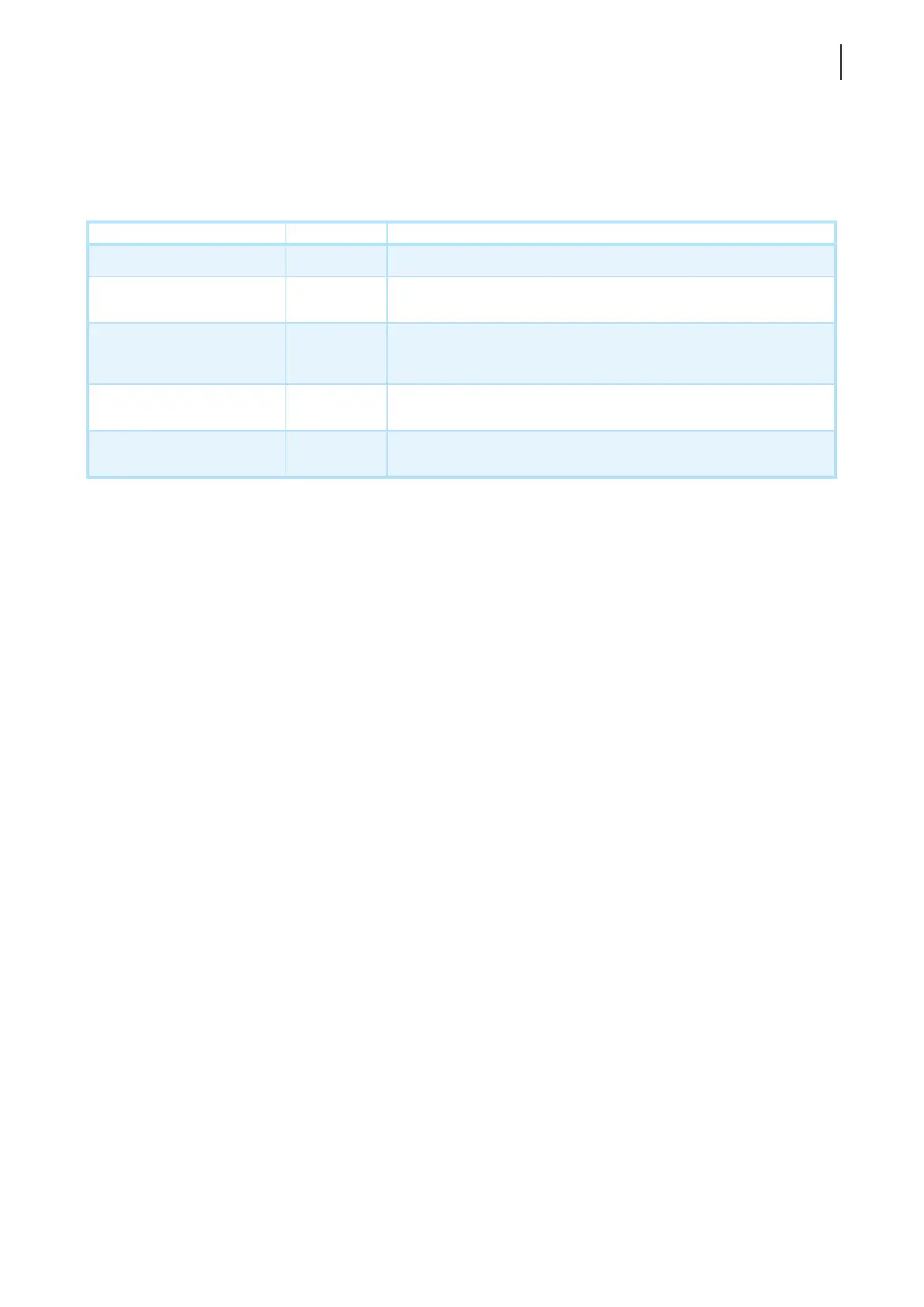
The following styles are used throughout this manual while referring to operational items on input devices,
hardware panels, or application interfaces.
Item Style Example
keys on the keyboard bold Ctrl + F2, Ctrl + Alt + F9, Alt + Tab
application windows or
entry lists
rst letter
capitalized
ICA Connection list, RDP Connection list, View Connection list
buttons or tabs on a
window, toolbars, taskbar,
or menu
bold OK, Next, Save, Applications tab
options on a window,
screen, list, or menu
bold
Start the following program on connection, Remote Desktop
Services, Better Appearance (32-bit), Web Logon
selecting a series of options bold
Applications > Citrix ICA, Applications > Remote Desktop,
Applications > VMware View, System > UWF



 To Next Page