Conguring Client Settings
Conguring System Settings
36
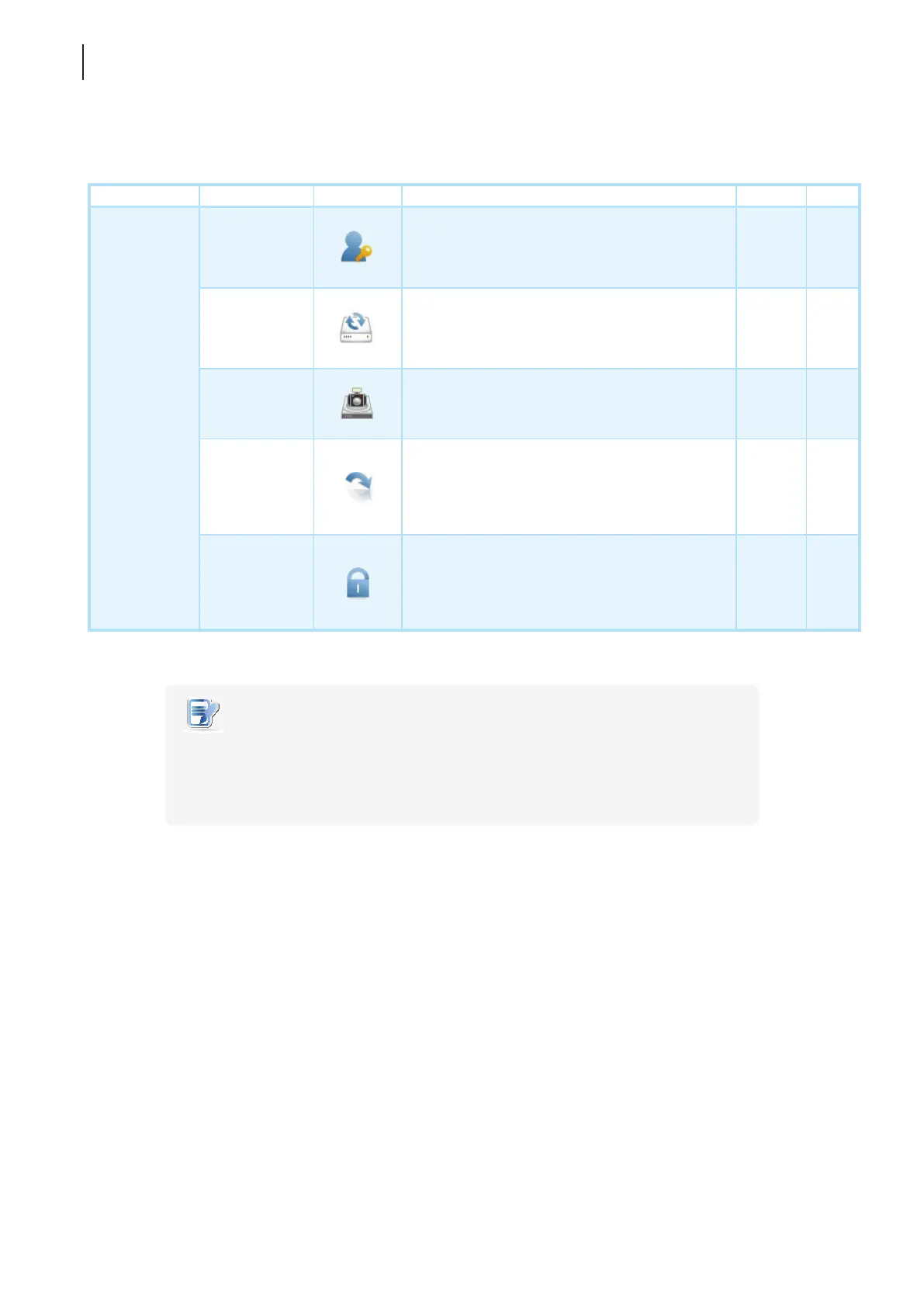
4.2.2 Available Settings at a Glance
Tab Setting Icon Description Section Page
System
Password
Click to congure the access privileges of Atrust
Client Setup for client users.
Click to congure settings for remote assistance.
4.2.3
4.2.4
37
38
Firmware
Update
Click to update rmware locally with the help of
a remote management computer. This feature is
only applicable when the client is managed by
the Atrust Device Manager console.
4.2.5 39
Snapshot
Click to take a snapshot (system image) of the
client for mass deployment.
4.2.6
4.2.7
4.2.8
42
43
46
Appliance
Mode
Click to enable/disable the Appliance mode to
allow/disallow the automatic RDP / ICA / View
sessions. In Appliance mode, the client starts up
with the desired RDP / ICA / View session and
shuts down when the user logs out.
4.2.9 47
UWF
Click to congure UWF (Unied Write Filter)
settings. Enabling UWF option will redirect all
writes targeted for disk volumes to a RAM cache.
All system changes will only affect the session
where the changes are made.
4.2.10 51
NOTE
• Atrust Device Manager is a remote and mass client management console, helping
you remotely mange a large number of endpoint devices in a desktop virtualization
infrastructure. For more information about Atrust Device Manager, please refer to
the User’s Manual for Atrust Device Manager.



 To Next Page