Getting Started
Accessing VMware View and Horizon View Services
29
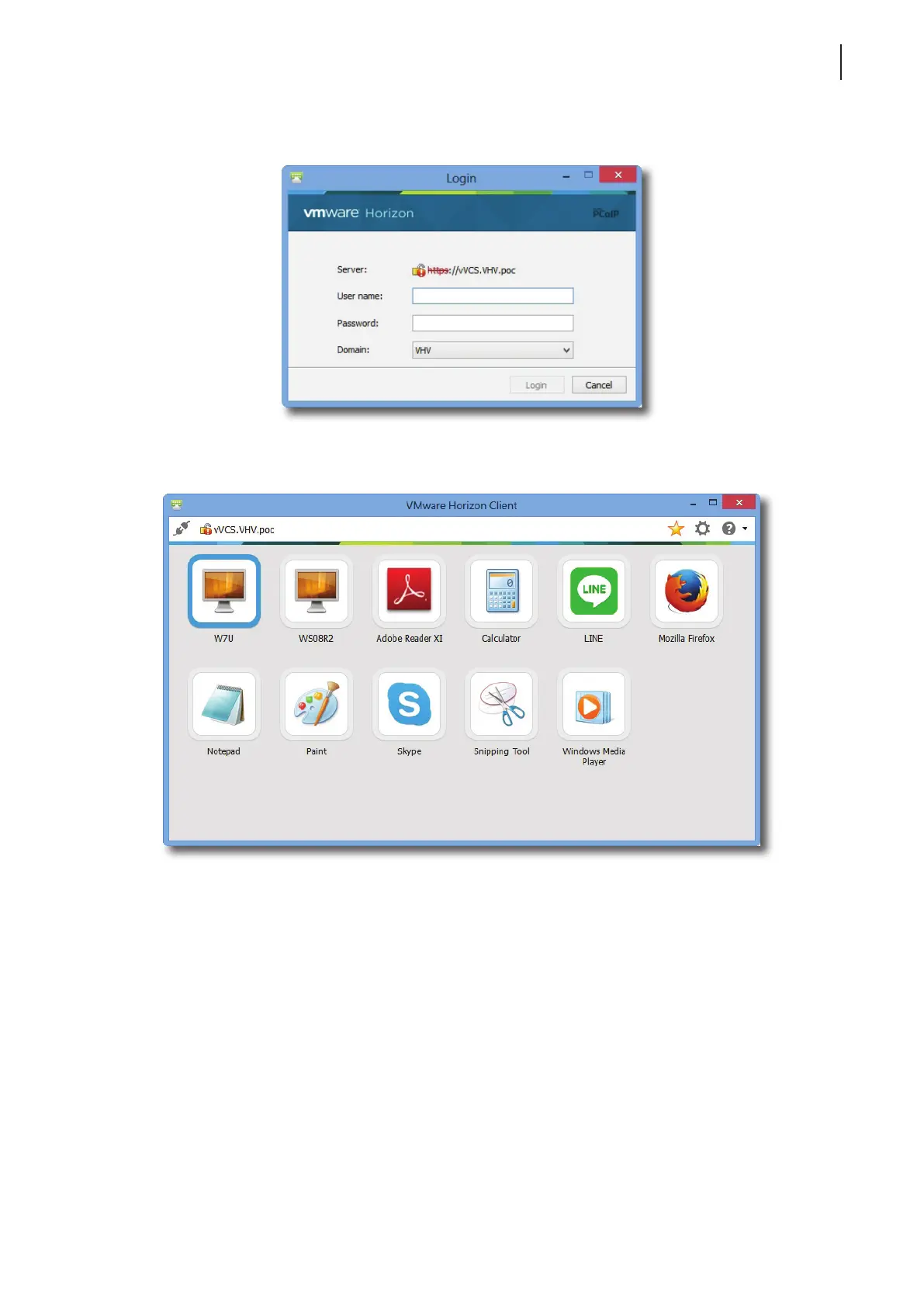
7. Provide your user name and password on the opened window, and then click Login.
8. A window appears with available desktops or applications for your credentials. Double-click to select the
desired desktop or application.
9. The desktop or application will be displayed on the screen.



 To Next Page