Conguring Client Settings
Conguring System Settings
49
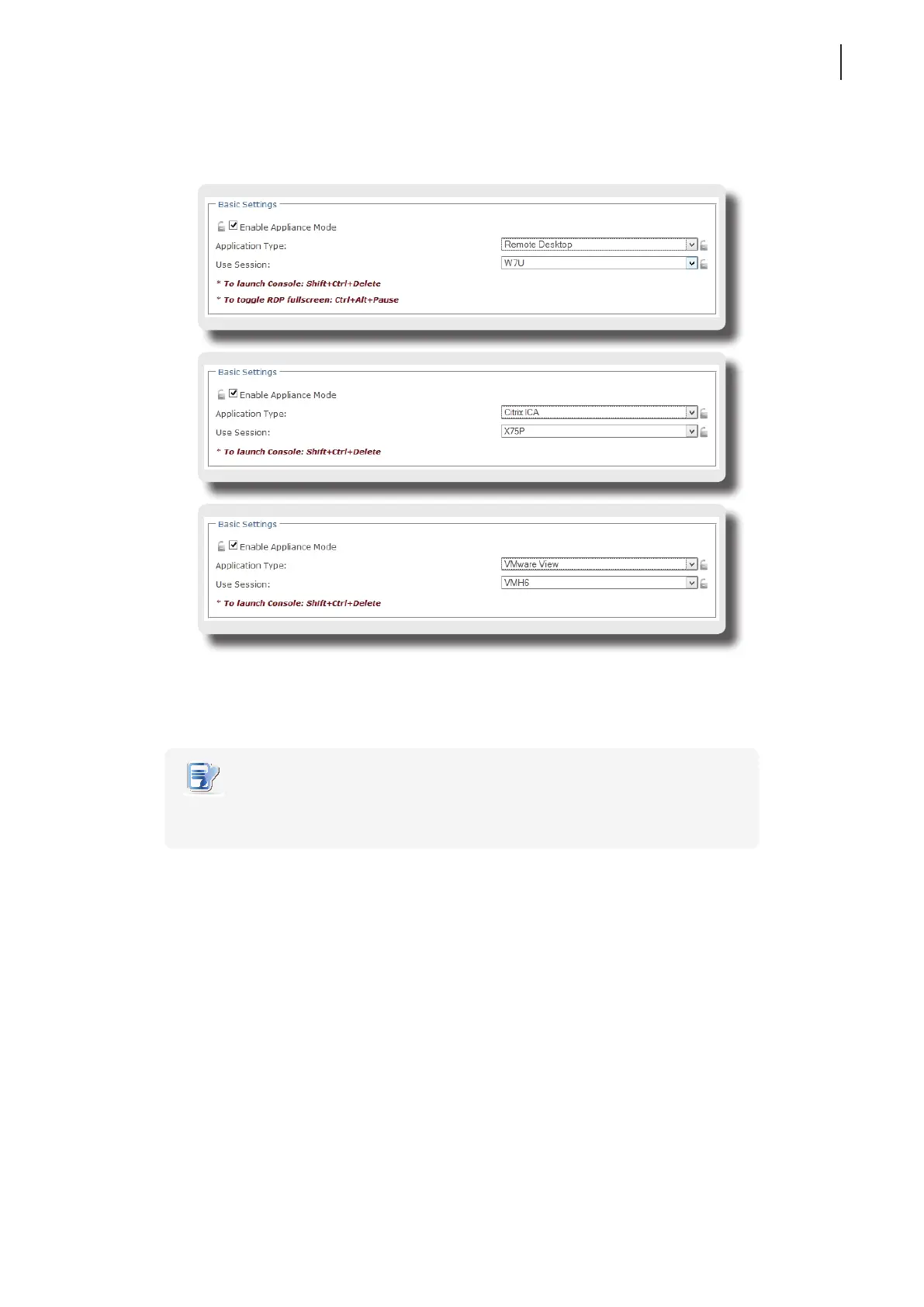
4. Click drop-down menus to select the application (or service) type: Citrix ICA, Remote Desktop, or
VMware View, and the specic service available in that type.
5. Click Save to conrm your selections.
6. The system will enter the Appliance mode after restart.
NOTE
• To disable the Appliance mode or to access Atrust Client Setup under the Appliance
mode, please refer to “Disabling the Appliance Mode” on page 50.



 To Next Page