lL
t:0
....
"'
......
"'
....
0
0
:c
'<I"
• To resume driving with adaptive cruise control,
tap the accelerator peda l or
• Pull the lever toward you into position @
Qpage 99 , fig. 110 .
@ Tips
If an obstacle is detected when your vehicle
starts moving, the driver intervention request
appears
Q page 100. Your veh icle will dr ive
more s lowly when start ing . This may also
happen in some situations when there is no
apparent obstacle.
Interrupting cruise control
Applies to: veh icles with Audi adaptive cruise contro l
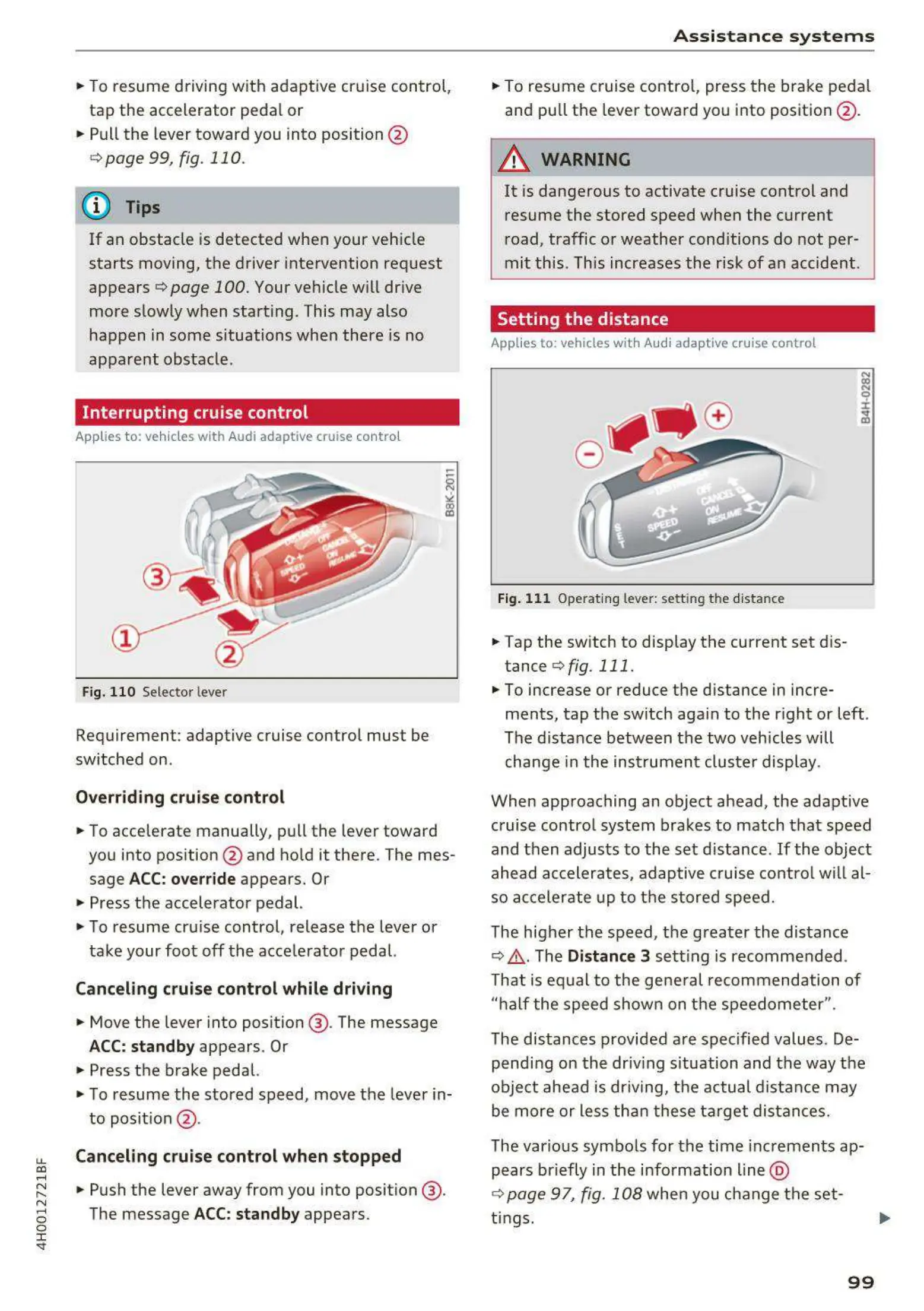
Fig. 110 Selecto r lever
Requiremen t: adaptive cruise control mus t be
switched on .
Overriding cruise control
• To accelerate manually, pull the lever toward
you into pos ition @ and ho ld it there . The mes-
sage
ACC: override appears. Or
• Press the accelerator pedal.
• To resume cru ise control, release the lever or
take your foot off the acce lerator pedal.
Canceling cruise control w hile driving
• Move the lever into posit ion @ . The message
ACC: standb y appears . Or
• Press the brake pedal.
• To resume the stored speed, move the lever in-
to posit ion @ .
Canceling cruise control when stopped
• Push the lever away from you into position @ .
The message
ACC: standby appears .
A s si s t a nce systems
• To resume cruise contro l, press the brake peda l
and pu ll the lever toward you into position @ .
A WARNING
It is dangerous to activate cruise control and
resume the stored speed when the current
road, traffic or weather cond itions do not per-
mit this . This increases the risk of an accident .
Setting the distance
Applies to: vehicles wit h Audi adaptive cruise control
Fig. 11 1 Operat ing leve r: sett ing the distan ce
• Tap the switch to display the current set dis-
tance Qfig . 111.
N
(X)
N
9
:I:
~
• To increase or reduce the d istance in incre-
ments, tap the switch aga in to the right or left .
The distance between the two vehicles will
change in the inst rumen t cluste r display .
When approaching an object ahead , the adaptive
cruise contro l system brakes to match that speed
and then adjusts t o the set distance .
If the object
ahead accelerates, adaptive cruise contro l will al-
so accele rate up to the stored speed.
The higher the speed, the greater the distance
Q ,&. The Distance 3 sett ing is recommended .
That is eq ual to the gene ral recommendation of
"ha lf the speed shown on the speedometer ".
The distances provided are spec ified values. De-
pending on the driving s ituation and the way the
obje ct ahead is dr iving, the actual d istance may
be more or less th an t hese ta rge t distances.
The various symbo ls for the time incremen t s ap-
pears briefly in the info rmation line @
Q page 97, fig. 108 when you change the set-
t ings. .,.
99



 To Next Page