Tele p hone
Storing a phone number
Storing a new phone number
Applies to: vehicles with telephone
You can store a new phone number as a contact
in the directory
~page 154.
Storing from the call lists
Applies to: vehicles with telephone
You can store a phone number from the call lists
in the directory.
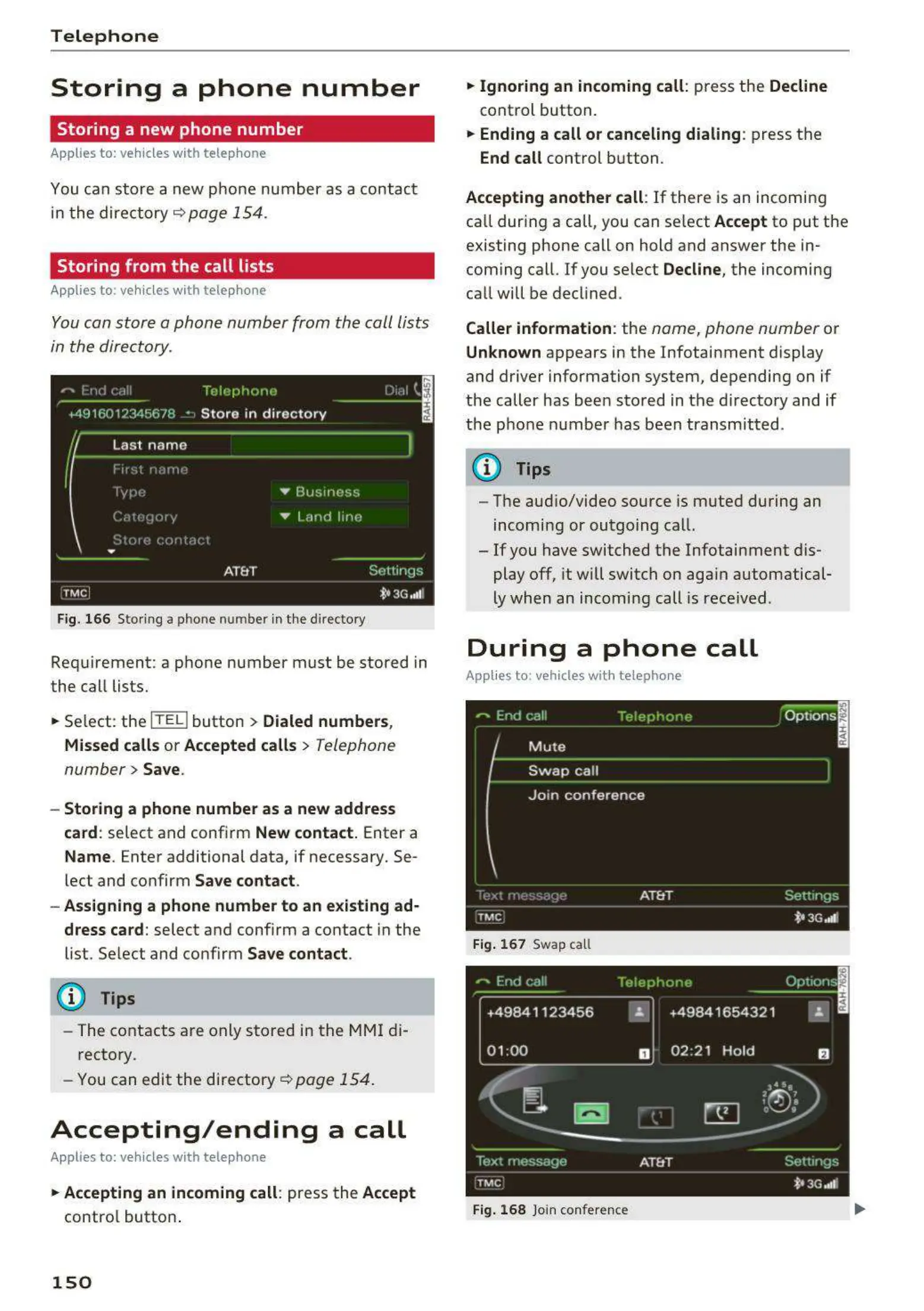
Fig. 16 6 Stor ing a phone number in the directory
Requirement: a phone number must be stored in
the call lists .
.,. Select: the
ITITI button > Dialed number s,
Missed call s or Accepted calls
> Telephone
number
> Save .
- Storing a phone number as a new addres s
card:
select and confirm New contact. Enter a
Name . Enter additional data, if necessary. Se-
lect and confirm
Save contact .
- Assigning a phone number to an existing ad-
dress card:
select and confirm a contact in the
list. Select and confirm
Save contact .
(D Tips
- The contacts are only stored in the MMI di-
rectory.
- You
can edit the directory~ page 154.
Accepting/ending a call
Applies to: vehicles with telephone
.,. Accepting an incoming call : press the Accept
contro l button .
150
.,. Ignoring an incoming call : press the Decline
control button.
.,. Ending a call or canceling dialing : press the
End call control button.
Accepting another call : If there is an incoming
call during a call, you can select
Accept to put the
existing phone call on hold and answer the in-
coming call. If you select
Decline , the incoming
call will be declined.
Caller information : the name, phone number or
Unknown appears in the Infotainment display
and driver information system, depending on if
the caller has been sto red in the directo ry and if
the phone number has been transmitted .
(D Tips
- The aud io/video source is muted during an
incoming or outgoing call.
- If you have switched t he Infotainment dis-
play off, it will switch on aga in automatical-
ly when an incoming call is received.
During a phone call
Applies to: vehicles with telephone
Fig . 16 7 Swap call
+49841123 456 "
01 :00
D
Fig. 16 8 Join confere nce



 To Next Page