N av ig a t io n
@ Tips
- If a desti nation is not present in the naviga-
tion data, you can move the crosshairs to
the location of the desired city and set the
geocoordinates as a destination or add a
contact to the directory.
- If you stop moving the crosshairs for a mo-
ment, additional informat ion about the area
highlighted by the crosshairs will be dis-
played (such as the city or street name, if
available).
Enter point of interest
Applies to : vehicles with navigat ion system
.,. Select : I NAVI button> Route guidance con t rol
button
> Points of intere st.
- Changing the search area:
se lect Search area.
Select and confirm a searc h area in the list.
- Searching for a point of interest name in the
selected search area:
sele ct Find entry . Enter
the name of the point of interest.
- Searching for a point of intere st in a specific
category:
selec t a nd confi rm a category, such
as
Airport .
The fo llowing search catego ries are available:
Top categories: this function helps you find pop-
ular locations such as the nearest parking lot.
The po ints of interest are sorted in ascending or-
der according to the distance from the vehicle .
Searching for an entry in the current country:
the name of the country is entered in the speller.
The po int of interest does not depend on the ve-
hicle posit ion and the destination . This function
is useful fo r searchi ng fo r po ints of inte rest that
you know about in a new count ry.
Immed iate vicinity : points of interest can be se-
lected from different categories. The points of in-
terest are listed sta rt ing from the immediate vi-
cinity of the vehicle up to a radius of approxi -
mately 125 miles (200 km).
Vicinity of destinat ion/s topover: the points of
interested ca n be selected from var ious catego-
ries, for example you can sea rch for a hotel at the
destinat ion.
168
Along the route : po ints of interest along the
route can only be se lected during active route
guidance. The point of inte rest is located direct ly
along the calcu lated route or in the vicinity of it.
In new city: the name of the city is ente red in the
speller . Points of interest ca n be selected from
various categories. This function is useful for
searching for points of interest in a city inde-
pendent from the destination.
Nationw ide: you can either search for the point
of interest by name or se lect it from various cate -
gories. The point of interest is independent from
the vehicle position and destination. For exam-
ple, you can navigate to an airport in the current
country usi ng this function .
@ Tips
- The points of interest in Top categories and
Immediate vicinity are displayed according
to st raight-line distance (open arrow) from
your curren t locat ion . The actual distance
from your curre nt location to the point of
interest is upda t ed aut omat ically (so lid ar-
row) .
- The re may be entr ies in t he list that cannot
be displ ayed comp letely d ue to their length.
If you select these entries with the control
knob, a pop-up window contain ing detailed
information about the selected list entry
will open .
Online destinations
Appli es to: vehicles wit h navigat ion system and Audi connect
You can search for points of interest on the In-
ternet.
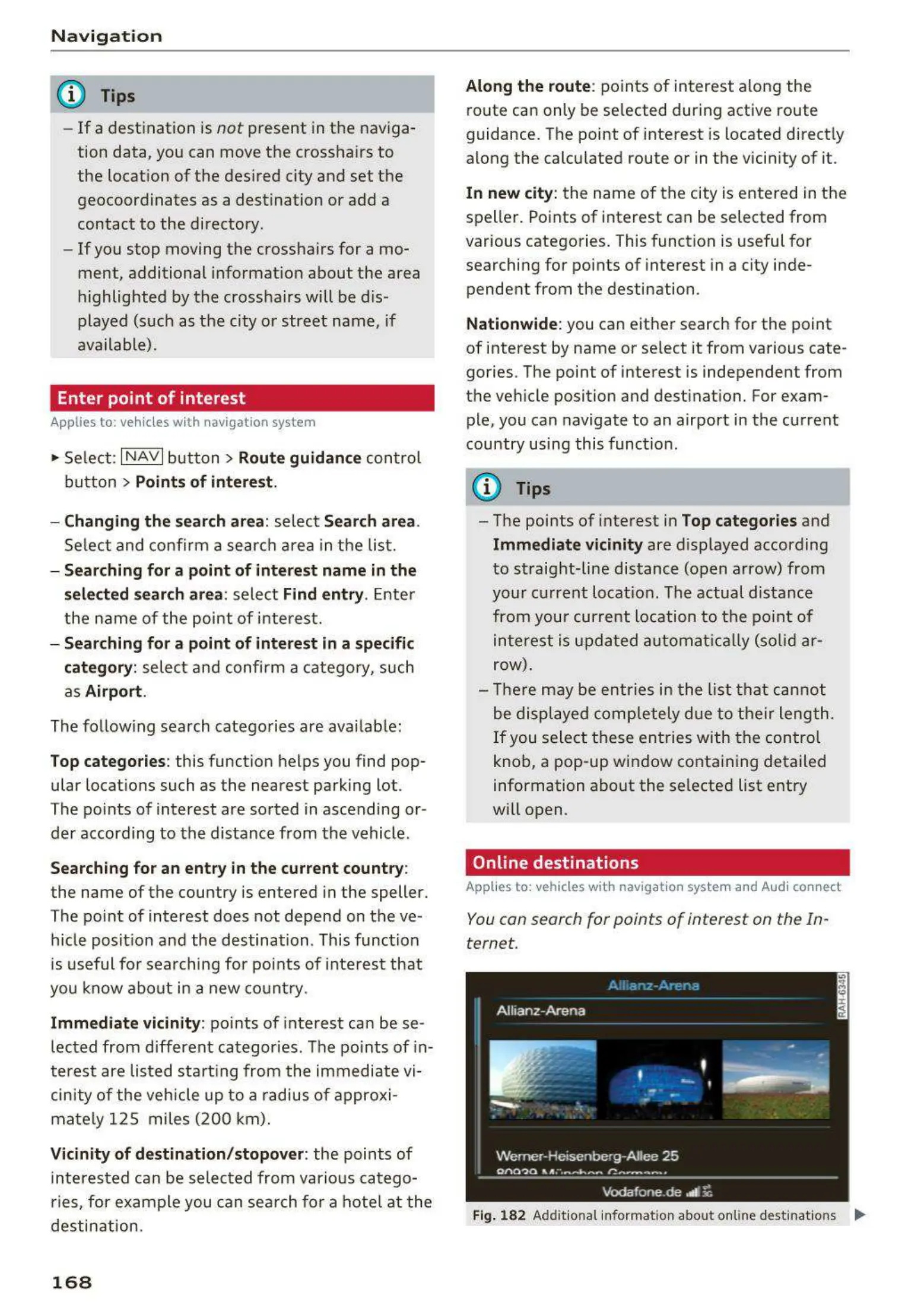
Fig. 182 Addit ional informat ion about on line destinat ions Ill>



 To Next Page