EasyManua.ls Logo

Audio Technica AT-LPW30BK - User Manual

Audio Technica AT-LPW30BK
15 pages
Print Icon
To Next Page IconTo Next Page
Loading...
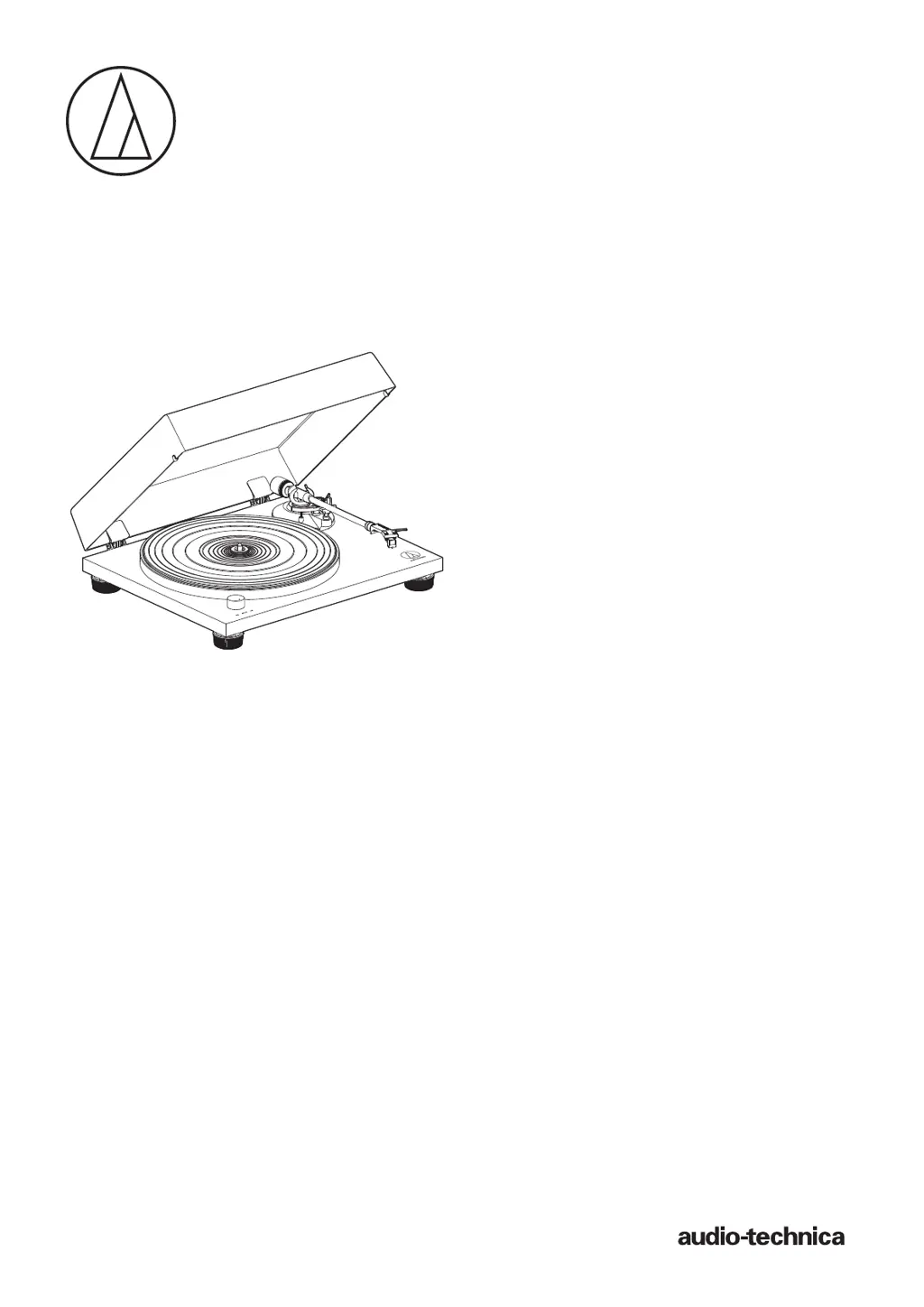
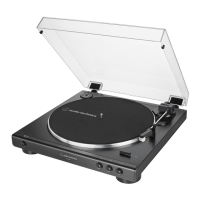
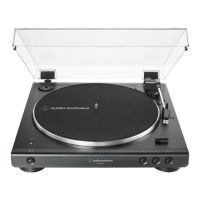
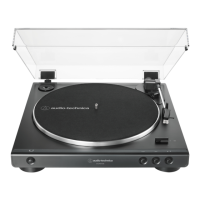
AT-LPW30BK
User Manual
Belt-Drive Turntable

Questions and Answers

  • C
    camposshannonJul 29, 2025
    How to fix Audio Technica AT-LPW30BK if platter doesn't spin?
    • M
      morrisjeremiahJul 29, 2025
      If the platter isn't spinning, first, ensure the AC adapter is connected to the outlet. Next, check that the belt is correctly placed on the platter and also verify that the belt is properly positioned on the motor pulley. If the belt is damaged, replace it.
  • N
    Nathaniel HenryAug 2, 2025
    Why does the stylus skip on my Audio Technica Turntable?
    • B
      Brenda KirbyAug 2, 2025
      If the stylus skips, try these steps: First, adjust the tracking force. Next, check that the anti-skate is set to the same value as the cartridge tracking force. Inspect the record for any damage or debris. Excess build-up around the stylus tip can also cause skipping, so ensure it's clean.
  • A
    Angela FrancisAug 8, 2025
    Why is my Audio Technica AT-LPW30BK playing too fast or slow?
    • J
      Jason ArnoldAug 8, 2025
      If the record is playing too fast or too slow, use the control knob to select the correct speed for the type of record you're playing.
  • M
    Ms. Brandi Wall MDAug 13, 2025
    What to do if Audio Technica Turntable playing speed slows down?
    • T
      Tiffany HartAug 13, 2025
      If the playing speed slows down or there is irregular rotation, replace the belt with a new one.
  • L
    Lauren PowellAug 18, 2025
    How to stop humming during playback on Audio Technica Turntable?
    • K
      Kayla CoxAug 18, 2025
      If you hear humming during playback, ensure the ground line is properly connected. Also, check that the locking ring is tight.
  • N
    Nancy MerrittAug 23, 2025
    What causes howling on my Audio Technica Turntable?
    • J
      Jennifer OrtizAug 23, 2025
      Howling can occur if there are vibrations. Try decreasing the vibrations or mount the turntable on a surface that isn't subject to vibrations. Also, ensure the surface on which the product is mounted is suitable.

Summary

Introduction and Package Contents

Package Contents Overview

Lists all items included in the turntable package for user verification.

Safety Precautions and Usage Guidelines

Important Safety Information

Details critical warnings and cautions to prevent hazards like fire, shock, and damage.

Usage Notes and Compliance

Provides notes on proper product placement, environmental conditions, and regulatory compliance.

Part Names and Functions

Tonearm Components

Identifies and describes the various parts of the tonearm assembly.

Preparation for Use

Initial Setup: Platter, Leveling, Tonearm Assembly

Guides through the initial physical setup including platter installation, leveling, and tonearm assembly.

Tonearm Balance and Tracking Force Adjustment

Instructions for balancing the tonearm and setting the correct tracking force for optimal playback.

Anti-Skate Setting and Connections

Details on setting anti-skate, output selector, connecting equipment, and plugging in the AC adapter.

Playing and Managing Records

Starting, Pausing, and Stopping Playback

Procedures for starting, pausing, and stopping record playback, including volume adjustments.

Care and Replacement Procedures

Turntable Body and Stylus Care

Guidance on cleaning the turntable body and the stylus tip to maintain performance.

Replacing the Stylus

Steps for safely removing the old stylus and installing a new replacement stylus.

Replacing Cartridge and Belt

Replacing the Belt

Instructions on how to replace the drive belt for maintaining correct playback speed.

Technical Adjustments and Moving

Adjusting the Overhang

Procedure for accurately positioning the cartridge relative to the headshell for proper tracking.

When the Turntable is Moved

Steps for safely packing and protecting the turntable when transporting it.

Troubleshooting Common Issues

Product Specifications

Audio Technica AT-LPW30BK Specifications

General IconGeneral
TypeBelt-drive audio turntable
OperationManual
Output level200 mV
Product colorBlack
Wow & flutter0.15 %
Nominal speeds33 1/3, 45 RPM
Stylus pressure3 g
Platter materialAluminum
Pick-up arm length223.6 mm
Signal-to-Noise Ratio (SNR)60 dB
AC adapter frequency50/60 Hz
AC adapter input voltage100 - 240 V
Overhang18.6 mm
Tracking angle2 °
Quantity1
45 rpm adapterYes
Package depth488 mm
Package width418 mm
Package height192 mm
Package weight5964 g
Country of originChina
Weight and Dimensions IconWeight and Dimensions
Depth340 mm
Width420 mm
Height1169 mm
Weight5000 g

Related product manuals