EasyManua.ls Logo

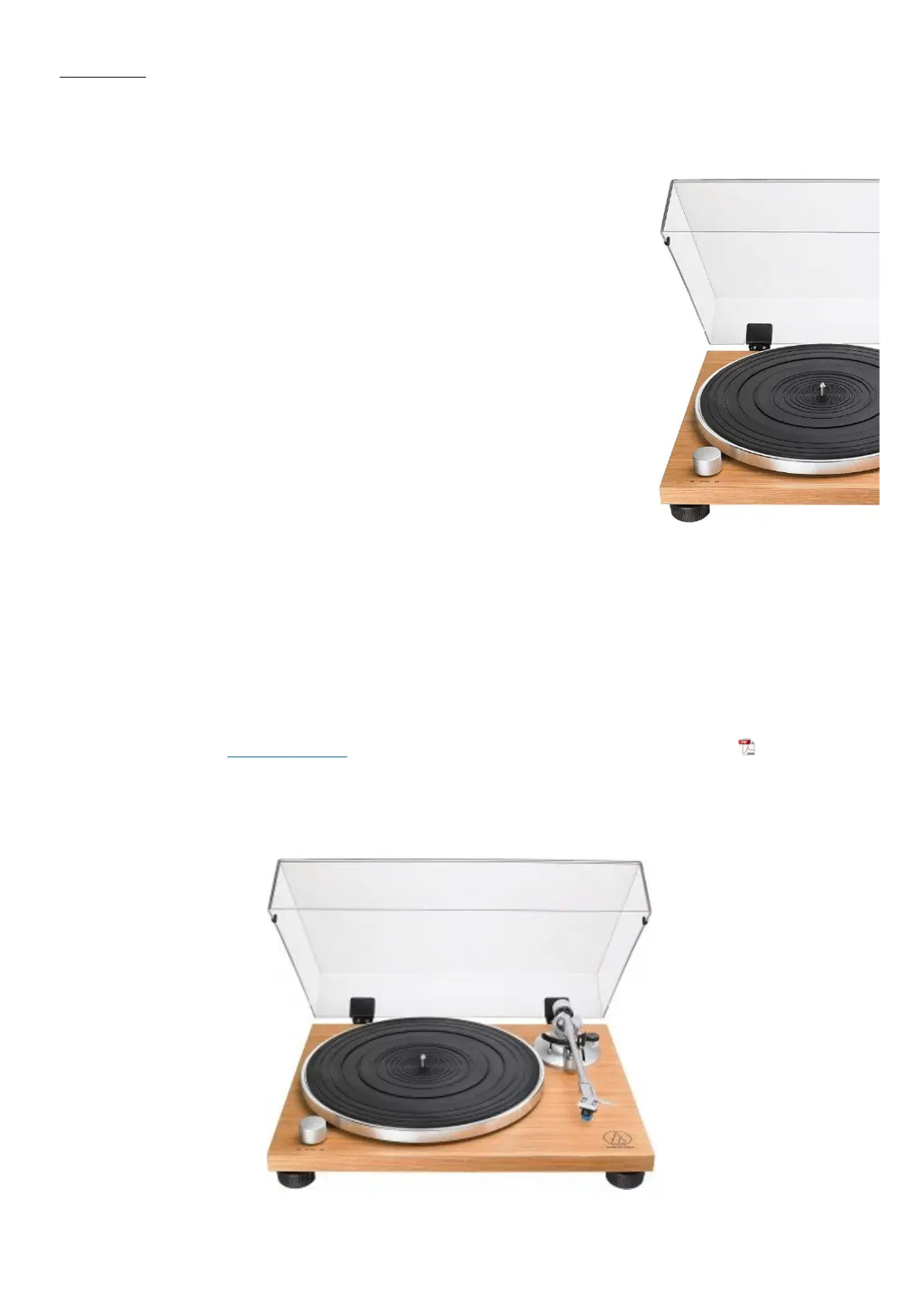
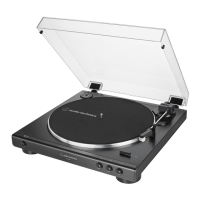
Audio Technica AT-LPW40WN - User Manual

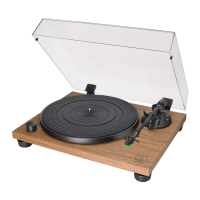
Audio Technica AT-LPW40WN
25 pages
Print Icon
To Next Page IconTo Next Page
Loading...
Home » Audio-Technica » Audio-technica Belt-Drive Turntable User Manual
Audio-technica Belt-Drive Turntable User Manual
Manuals+ User Manuals Simplified.

Other manuals for Audio Technica AT-LPW40WN

Questions and Answers

  • O
    olsonmaryAug 14, 2025
    Why does the stylus skip on my Audio Technica AT-LPW40WN?
    • D
      David TurnerAug 14, 2025
      If the stylus on your Audio Technica Turntable skips, consider the following: * Adjust the tracking force, especially if it's set too light. * Ensure the anti-skate setting matches the cartridge tracking force. * Check the record for any imperfections. * Remove any excess buildup around the stylus tip.
  • O
    ogarrettAug 17, 2025
    How to fix a Audio Technica AT-LPW40WN Turntable when the platter doesn't spin?
    • O
      Oscar GuerreroAug 17, 2025
      If the platter on your Audio Technica Turntable isn't spinning, try these solutions: * Connect the AC adapter to the outlet. * Make sure the belt is correctly placed on the platter and the motor pulley. * If the belt is damaged, replace it with a new one.
  • B
    Brian GreenAug 21, 2025
    How to adjust the speed on my Audio Technica AT-LPW40WN?
    • T
      Travis CarpenterAug 21, 2025
      If the record is playing too fast or too slow on your Audio Technica Turntable, use the control knob to select the correct speed for the type of record you're playing.
  • D
    Dillon HarringtonAug 25, 2025
    What to do if my Audio Technica AT-LPW40WN spins but has no sound?
    • C
      Colin MitchellAug 26, 2025
      If you're not getting any sound or the volume is too low on your Audio Technica Turntable, here are a few things to check: * Ensure the settings for all connected equipment are correct. * Inspect the stylus and replace it if needed. * Examine the cartridge and adjust if necessary. * Verify that the output settings are correct. Also, be aware that if the turntable is set to the “PHONO” position and connected to the amplifier’s AUX/LINE input, you may experience no sound or low volume. Conversely, if it’s set to “LINE” and connected to the amplifier's PHONO input, the volume might be too loud or distorted. You may also need to adjust the tracking force.
  • W
    Willie MorrisAug 29, 2025
    Why is my Audio Technica Turntable humming?
    • D
      david48Aug 29, 2025
      If you hear humming during playback on your Audio Technica Turntable, ensure that the ground line is properly connected and the locking ring is tight.
  • G
    gomezangelaSep 1, 2025
    What to do if my Audio Technica AT-LPW40WN is howling?
    • J
      Jordan HoffmanSep 1, 2025
      If you are experiencing howling with your Audio Technica Turntable, try decreasing vibrations or mounting the turntable on a surface less susceptible to vibrations. Also, check that the surface the turntable is mounted on is suitable.
  • E
    Emily SerranoSep 5, 2025
    How to reduce noise when playing records on Audio Technica AT-LPW40WN?
    • J
      Jason MartinSep 5, 2025
      If you notice noise when playing records on your Audio Technica Turntable, clean the stylus tip with a commercially sold brush to remove any dust.
  • K
    Katherine GonzalezSep 8, 2025
    What to do if Audio Technica AT-LPW40WN Turntable playing speed slows down?
    • A
      alexandra82Sep 8, 2025
      If the playing speed slows down or there is irregular rotation on your Audio Technica Turntable, replace the belt with a new one.

Summary

Safety, Notes, and Component Identification

Safety Precautions

Critical warnings and cautions for safe operation and handling of the turntable.

Preparation for Use

Platter and Belt Installation

Step-by-step instructions for installing the platter and drive belt.

Leveling and Tonearm Assembly

Guides on leveling the unit and assembling the tonearm for proper setup.

Turntable Setup and Connections

Instructions for positioning the turntable and making necessary connections.

Tonearm Balance and Tracking Force

Procedures for balancing the tonearm and setting tracking force and anti-skate.

Operation and Care

Connecting Equipment and Power

Guides on connecting the turntable to audio equipment and the AC adapter.

Maintenance and Troubleshooting

Audio Technica AT-LPW40WN Specifications

General IconGeneral
Drive MethodBelt-drive
Speeds33-1/3 RPM, 45 RPM
MotorDC servo motor
CartridgeAT-VM95E
Stylus0.3 x 0.7 mil elliptical
Replacement StylusAT-VMN95E
Phono PreampBuilt-in switchable
PlatterAluminum
Dimensions420.0 mm (16.54") W x 340.0 mm (13.39") D x 116.9 mm (4.6") H
Tonearm TypeStraight
OutputRCA
Power Supply100-240V AC, 50/60 Hz

Related product manuals