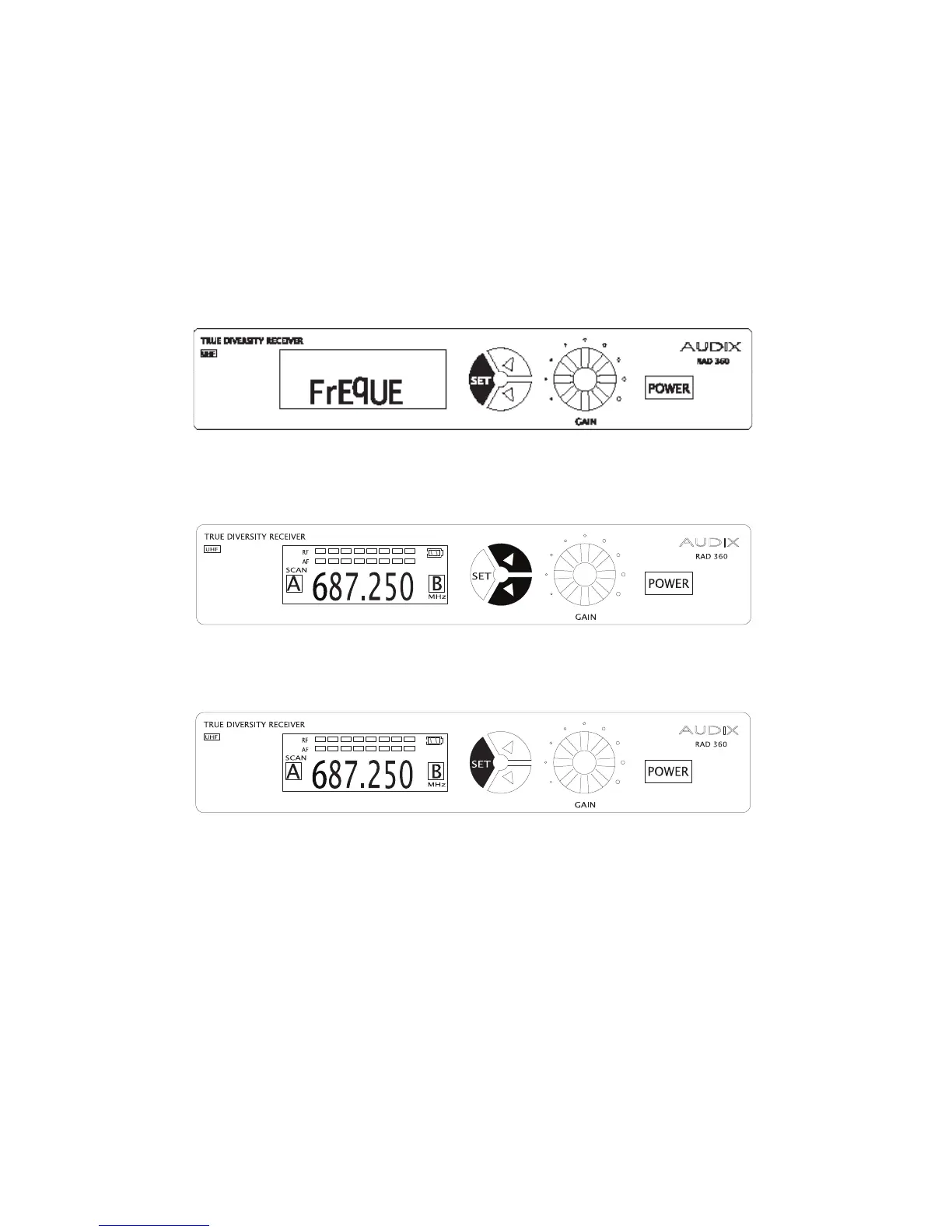
Setting the Frequency on the
RAD-360 Receiver
1. Power the system up. From the startup screen, press and hold the SET
button until you see the word “FREQUE”.
2. Use the UP and DOWN buttons to set the desired frequency.
3. Press SET to store.
Important: Be sure to set the transmitter and receiver on the same frequency.
The frequencies need to match in order for the system to work.
12


 To Next Page