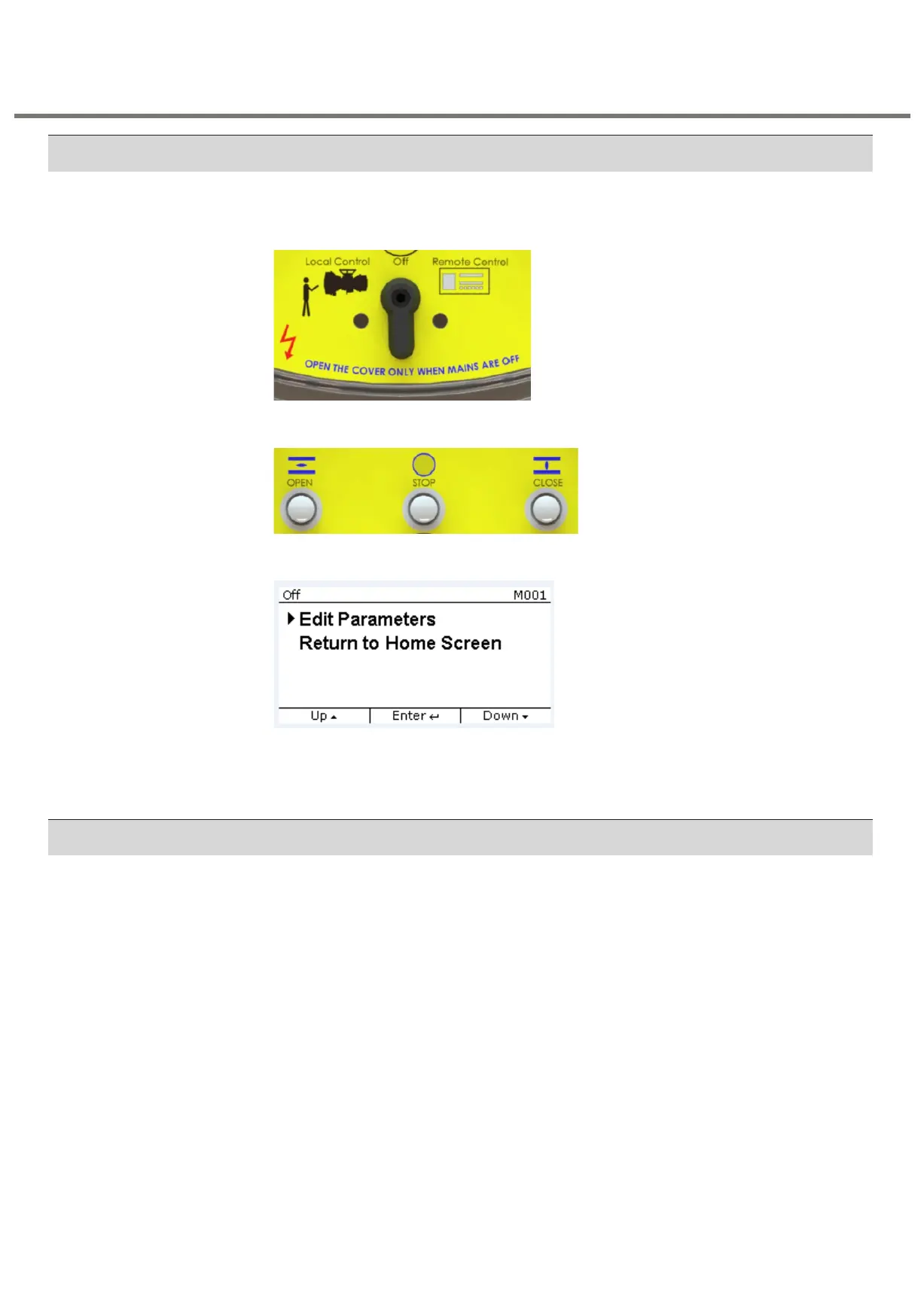
The push buttons on the Front Panel can be used for programming. To enter into
PROGRAM MODE, follow the below steps:
Step 1: Keep the selector switch in OFF position
Step 2: Press "STOP" key for approximately 4 seconds.
Step 3: Press the STOP key on the display of “Program Mode” as shown in the below fig.
In the program mode, one can choose to configure settings as per customer requirement.
The three sub-categories are – General settings, Remote settings and Relay settings.
The flowcharts to choose EDIT / VIEW and any one subcategory are given below.
By entering the appropriate password, user can enter into the “PROGRAM MODE” for
3.XMP Non-Intrusive SIL with Bluetooth Module as shown in the above flowchart. The
features that can be set in this are given in the below flowchart.



 To Next Page