In this mode, the following three key parameters can be calibrated:
I. Limit Calibration for MWG
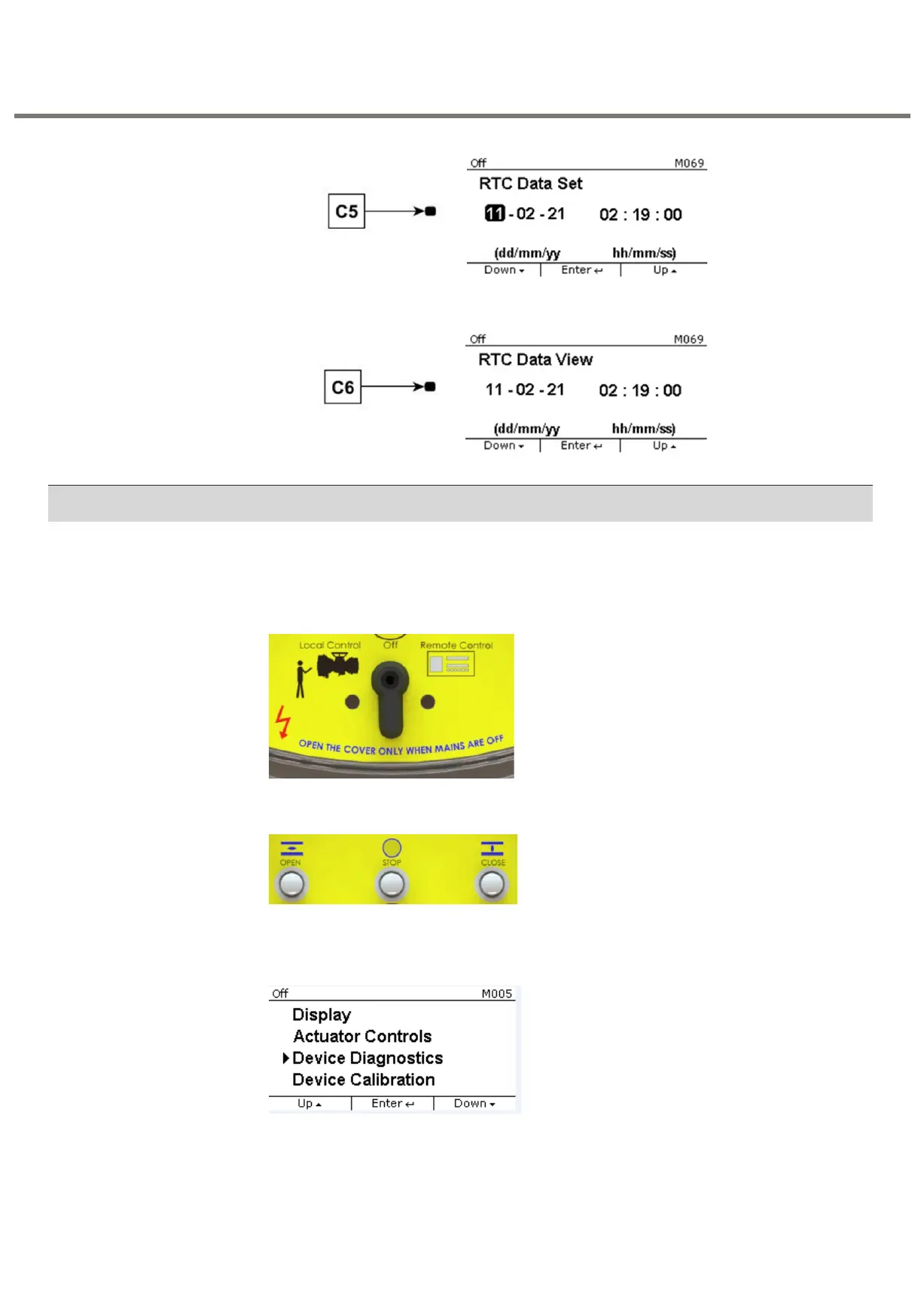
To enter into the Calibration Mode follow the below steps:
Step 1: Keep the selector switch in OFF position
Step 2: Press " STOP" keys approximately 3 seconds
Step 3: Put suitable password to go further
Step 4 : Select "Device Calibration" as shown in the below screen
The below flowchart depicts how to enter into different calibration modes. For clear
understanding of all.
Options of CALIBRATION MODE, refer to the detailed flowcharts presented in the
following sections.


 To Next Page