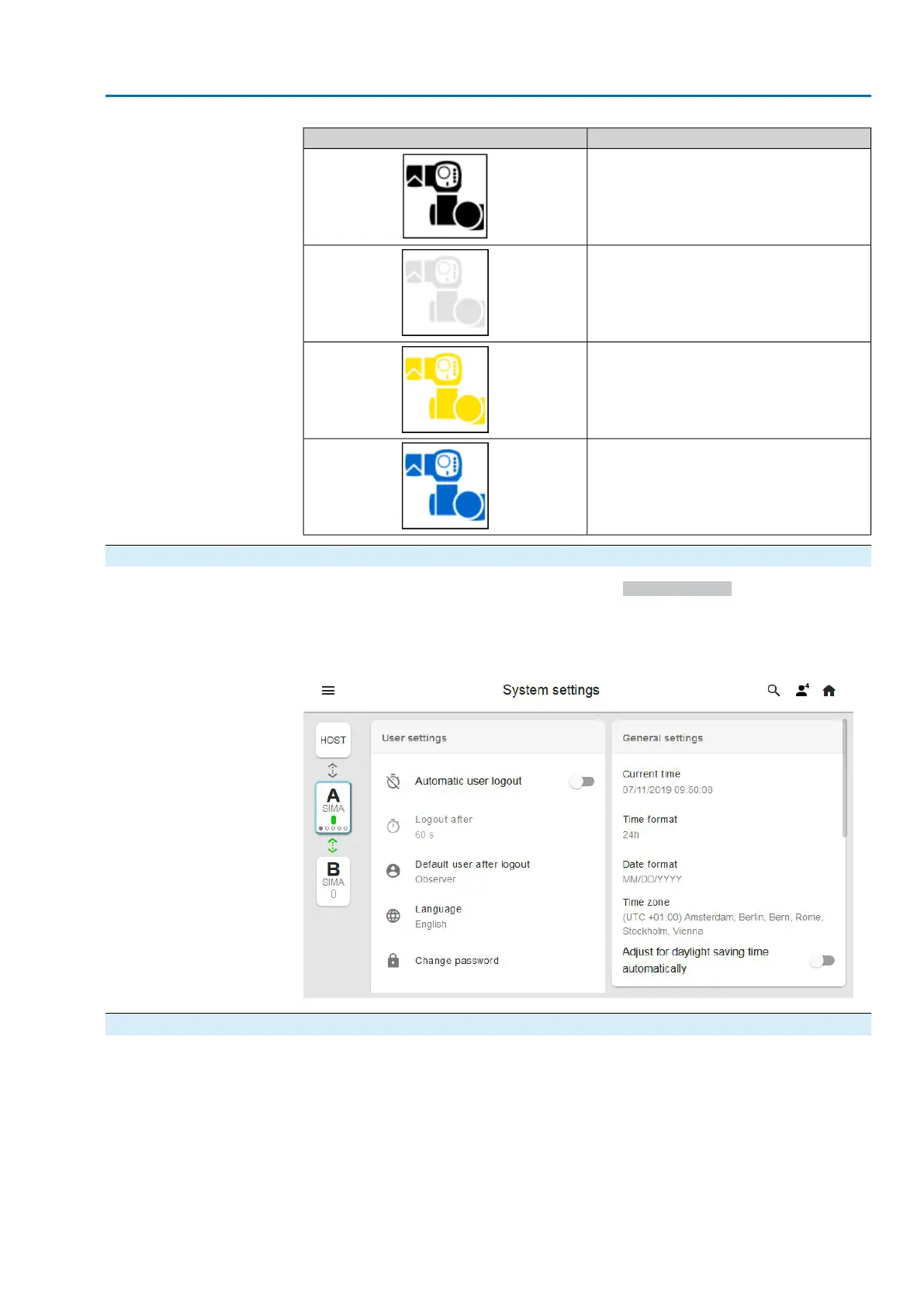
StatusIndication
OUT OF SERVICE
ACTUATOR CANNOT BE REACHED
The actuator cannot be reached.
ESD
The actuator is in ESD state.
MAINTENANCE REQUIRED
Actuator maintenance is required.
8.3. Time synchronisation
Time synchronisation can be made manually in System settings or via NTP (Network
Time Protocol) function. For this purpose, at least one NTP server is required. Up
to 4 NTP servers can be used
Figure 25: System settings
8.4. Configuration
The following illustrations show how to configure SIMA² networks via a browser. For
this, user lever 4 (specialist) is at least required.
Information
Responsive web design: The SIMA² user interface adapts to both the browser and
the terminal used and may vary.The best results can be achieved using Google
Chrome since SIMA² has been optimised for this browser.
After having established connection to SIMA², the main screen is displayed:
27
SIMA² Master Station
MODBUS RTU, MODBUS TCP/IP to DCS Commissioning



 To Next Page