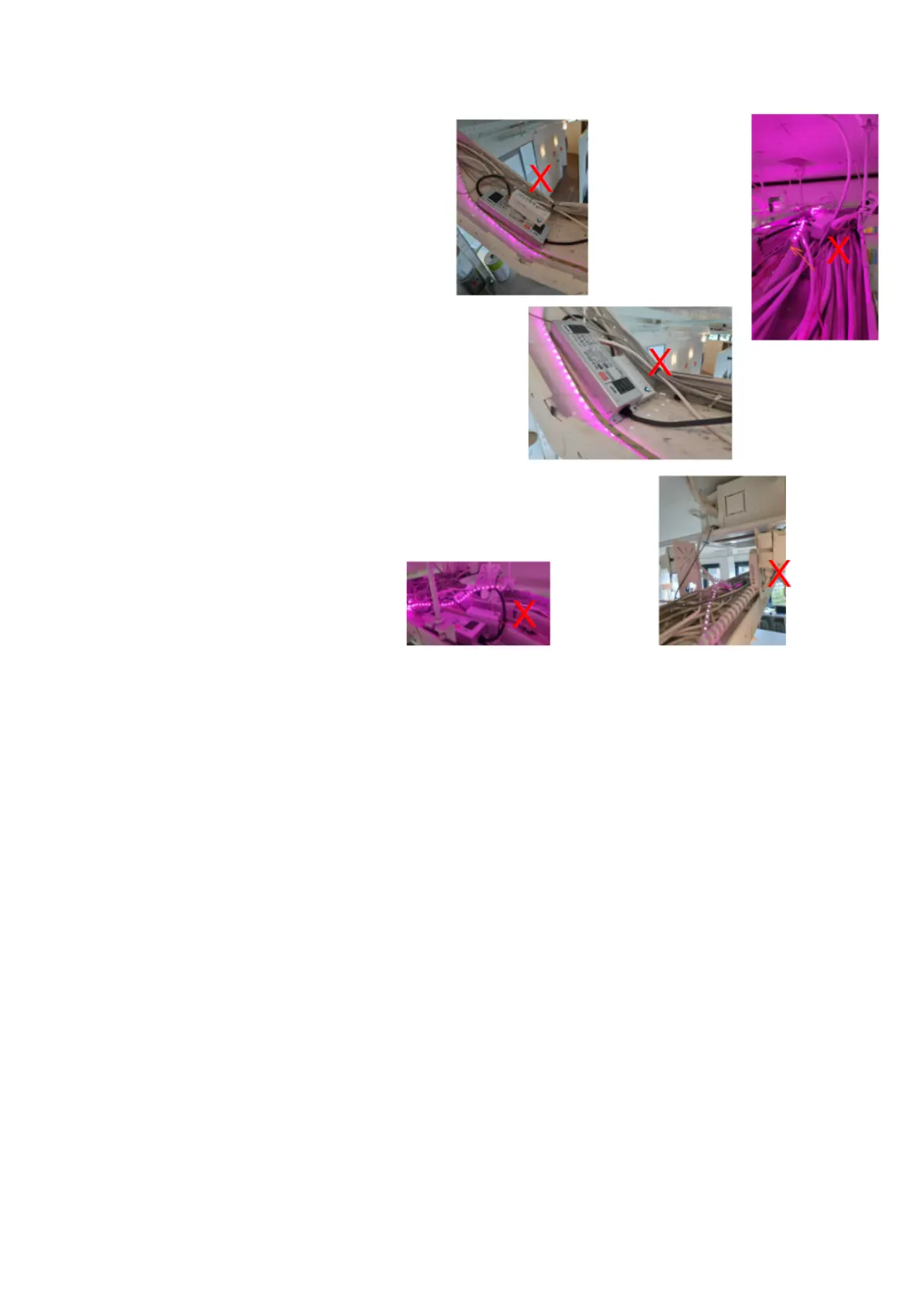
Cable Trays
In commercial buildings a site visit is strongly recommended!
1. If a building uses metal cable trays
then this will impact the ZB signal
strength at each device.
A loss of > 20% in signal strength
(-15dB).
2. Place AOne controllers as close to
the hub as possible and run longer
cables out to the products.
3. If the AOne hub has to sit on the
cable tray, place it vertically and not
flat on the tray.
4. Though be careful not to crowd too
many devices into a small area as
this can have a detrimental impact
on the stability of the ZB network.
5. Where AOne controllers are placed
in a metal tray try and cable them
somewhere away/above the cable
tray.
6. Don’t place AOne controllers on top
of LED drivers as this can have a worse effect than the cable tray as the driver will be
generating an electromagnetic field encompassing the controller.
7. Use more cable between the AOne controller and the driver and at least more than 30cm apart.
8. Avoid placing relays or controllers next to power sockets as this causes interference.
9. Be prepared to use multiple hubs so that performance is not impacted by concrete structures
or solid walls.
Try to avoid placing them near these solid structures and instead allow for more open space
between the Hubs and structures.
Multiple Wi-Fi networks will also generate more interference with the AOne hub and may need
technical advice from the technical team to choose the most efficient ZB channel.



 To Next Page