How to create a Space
1. On the Main Menu, tap the 3 dots ⋮
2. Tap Create new Space / Group
3. Select from the pre-named section or create a Custom Name
4. Tap Save when done
5. You will now see your newly created Spaces
What is a Group
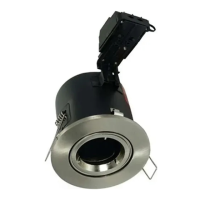
A group is a smaller selection of Smart Devices within a Space, for example Living Room Downlights.
This provides you with a quick solution to control only a specific Group of Devices within a Space
instead of controlling the whole Space or individual Devices.
How to create & manage Groups
Create
1. On the Main Menu, tap the 3 dots ⋮
2. Tap Create new Space / Group
3. Create a Custom Name
4. Tap the Create as Group button
5. Tap Save when done
6. Your Group is now created
Manage
1. Go into the Space you wish to add the Group to
2. Tap the 3 dots ⋮
3. Select Manage Spaces / Groups
4. Choose the Group/s you wish to add
5. Press Save



 To Next Page