11
3) Log in with your registered email address and password.
NOTE
If you already have an existing Autel account, log in with your registered Autel
account email and password.
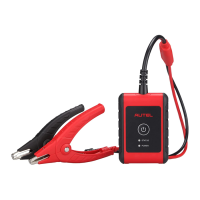
3. Pair the BT508
Pair the BT508 with the Battery Test app by scanning the QR code on the back
of the tester or via Bluetooth pairing.
4. VCI Connection
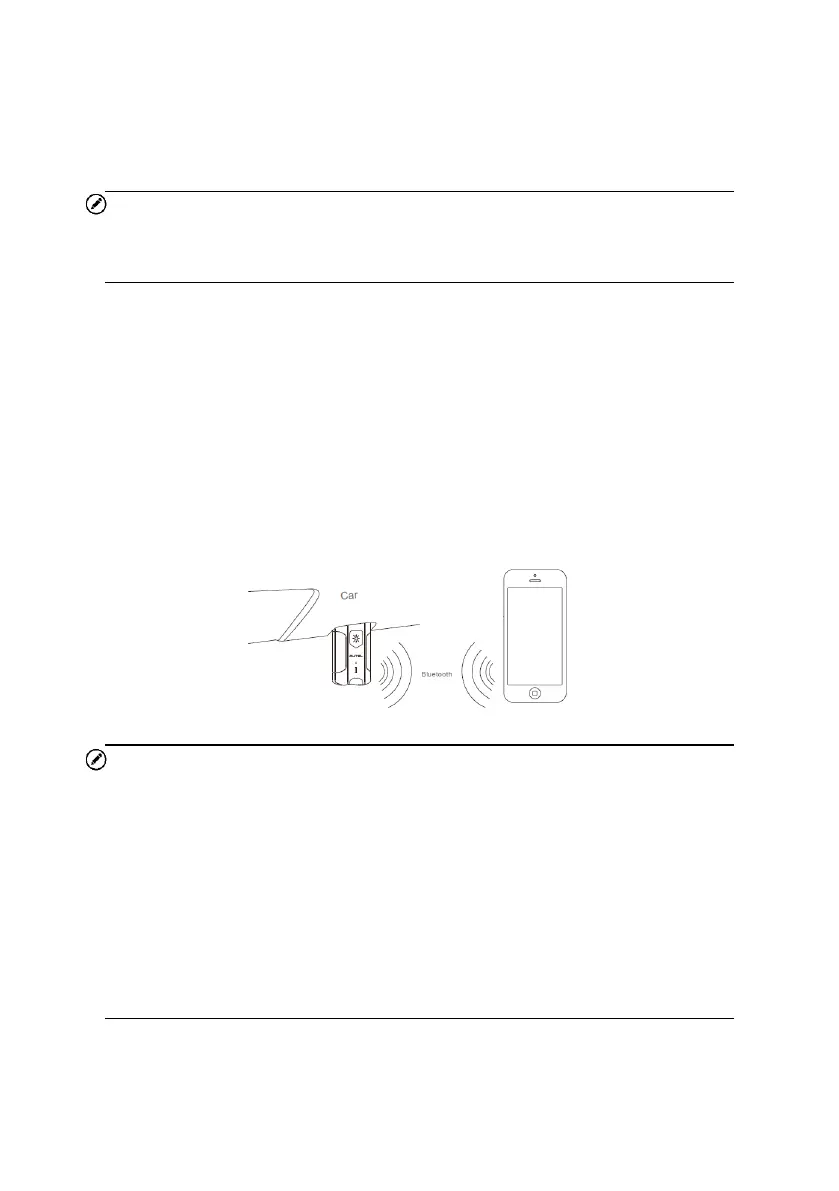
Connect the VCI to the vehicle’s DLC (OBD II port), usually located under the
vehicle’s dashboard. Follow the on-screen instructions to connect the VCI to
the app on your device via Bluetooth.
NOTE
1. It is recommended to pair your BT508 and VCI V200P by scanning the
QR code on the back of the device. If you wish to connect the VCI to your
mobile device via Bluetooth, the VCI must be inserted in the vehicle’s DLC
port first.
2. On an Android device, Bluetooth can be enabled in Settings or in BAS
Manager or VCI manager, while iOS users can only enable Bluetooth in
Settings.
3. Use the included USB cable to charge the flashlight of the V200P.


 To Next Page