49
Feedback), in addition to a history of your most recent 20 test records (History).
Autel support personnel will receive and process any submitted reports through
the Support platform.
11.5 VCI Manager
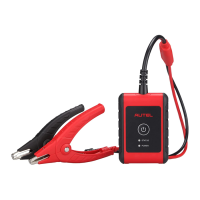
VCI Manager is for connecting the MaxiBAS BT508 with a VCI device via
Bluetooth. This option allows you to pair the tester with the VCI device, check
the communication status, and upgrade the VCI firmware.
11.6 BAS Manager
The BAS Manager allows you to establish a Bluetooth connection, and to check
and update the firmware version.
NOTE
When initiating a diagnostic function, the screen will display a notification
message to prompt the user to update the firmware if a newer version is
available.
11.7 Settings
Select the Settings to change the default settings, clear cache, and view
hardware and software information relating to the tool.


 To Next Page