40
To perform a diagnostics function:
1. Establish communication with the test vehicle.
2. Identify the test vehicle by selecting from the menu options.
3. Select the Diagnostics section.
4. Choose Auto Scan to locate a desired system or through menu-
driven selections in Control Units.
5. Select the desired diagnostics function from the Function menu.
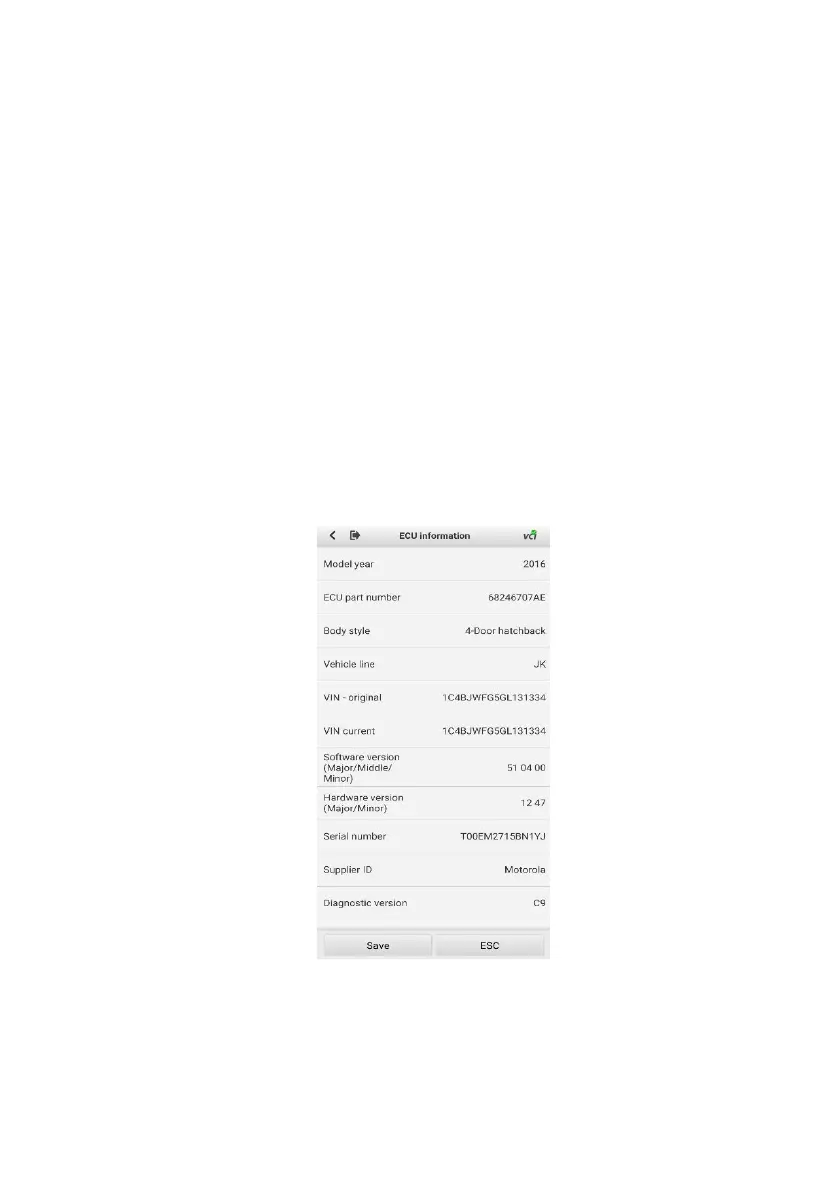
8.2.1 ECU Information
This function retrieves and displays specific information for the tested
control unit, including model year, ECU part number and other
specifications.
Figure 8-3 Sample ECU Information Screen


 To Next Page