36
8 Diagnostics
The application performs functional tests, retrieves vehicle diagnostic
information such as trouble and event codes as well as capturing live data for
various vehicle control systems including engine, transmission and ABS.
There are two options available when accessing the Diagnostics section:
1. Auto Scan — starts scanning all available systems on the vehicle.
2. Control Units — displays a selection menu for all available control units
of the vehicle.
After a section is made and the tablet establishes communication with the
vehicle, the corresponding function menu or selection menu should appear.
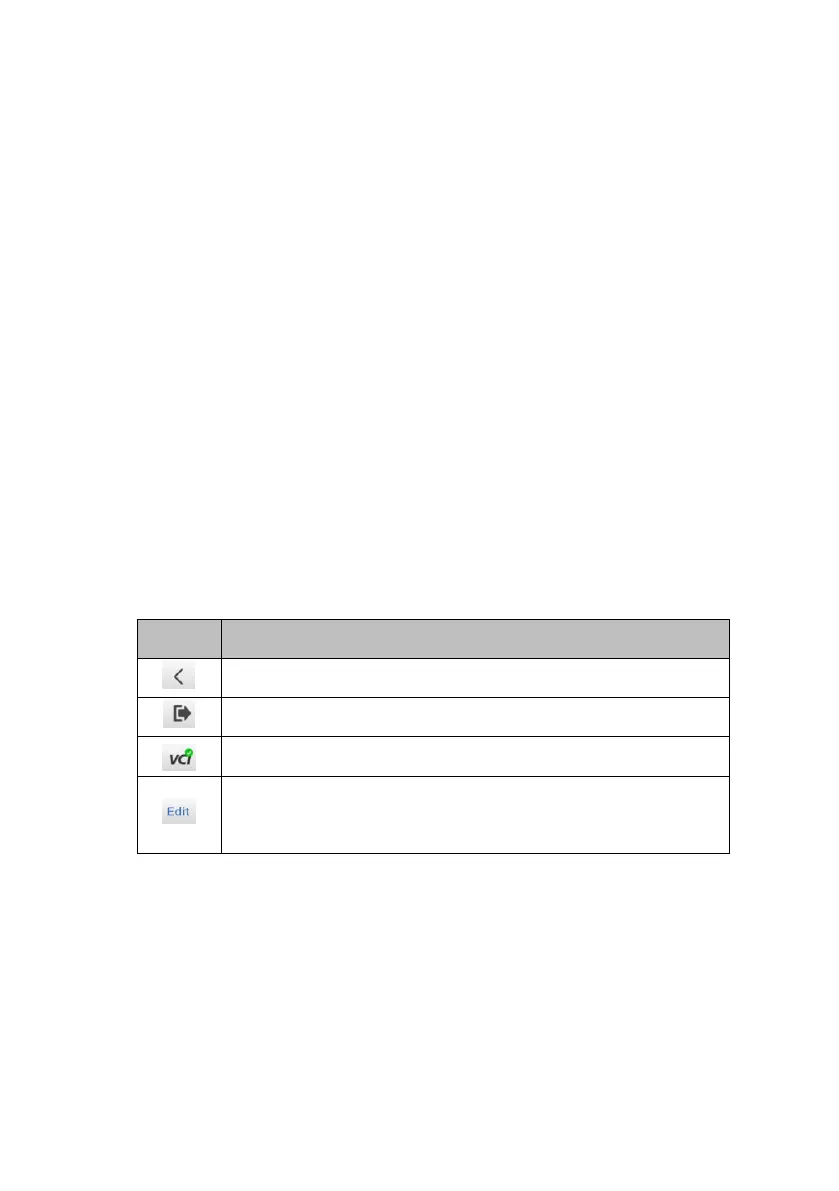
Table 8-1 Top Toolbar Buttons
Return to the previous page.
Return to the Diagnostics screen.
Display VCI connection status.
Make live data selection by selecting the checkbox.
(Available on Live data screen)
8.1 Auto Scan
The Auto Scan function performs a comprehensive scan of all the ECUs in the
vehicle to detect faults and retrieve DTCs:


 To Next Page