66
9.1 Update Procedures
To update the software
1. Ensure the tablet is connected to a power source with stable access to the
Internet.
NOTE
Make sure the tablet is registered before activating the Update application. See
Autel User Center for details.
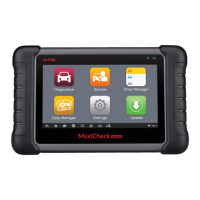
2. Tap Update on the Job Menu, or tap the update notification message when
received. The Update application screen displays.
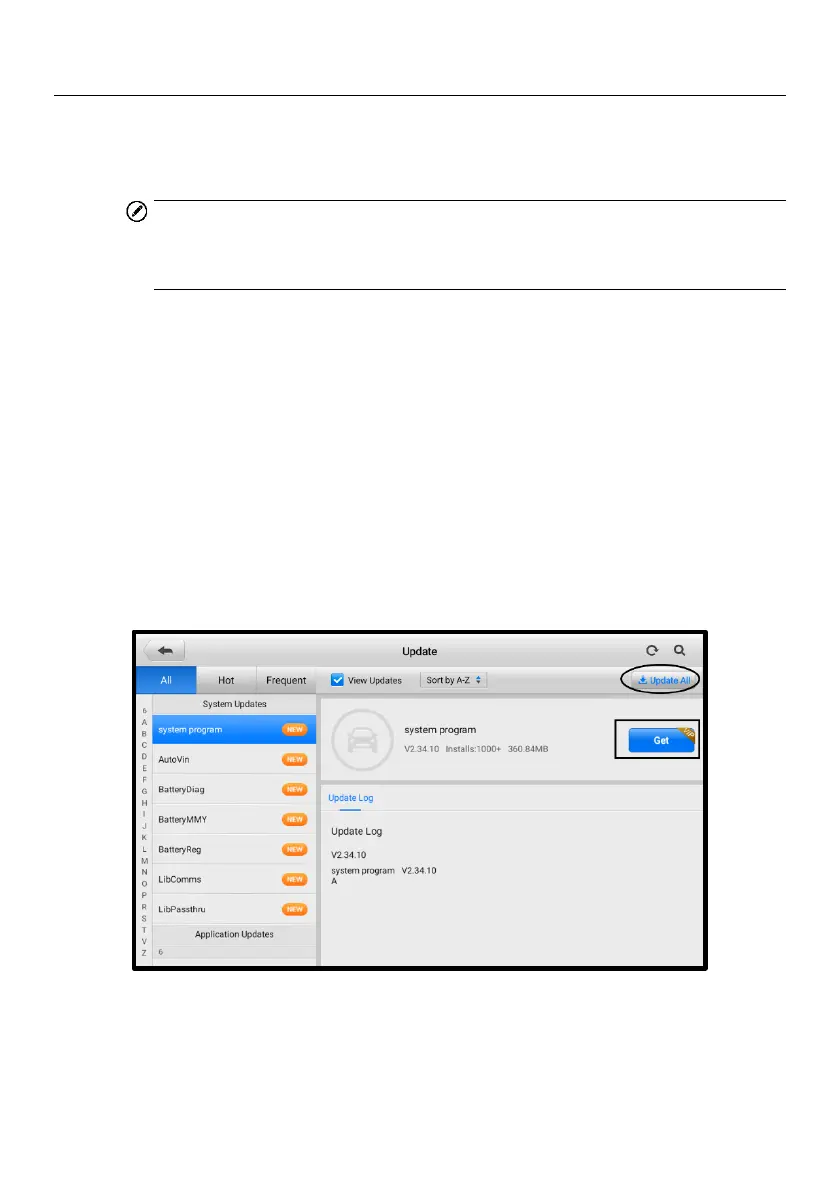
3. Check all available updates:
If you only want to update some individual items, tap the Get button on the
right column of the specific item. This option is highly recommended to
ensure updates are performed correctly, especially if unsure of the speed
and stability of your network connection.
If you decide to update all the items, tap the Update All button.
4. Tap More to view the details of the applications that can be updated this time.
If you did not perform update operations, you can also tap the Get or Update
All button for update on the following screen.
Figure 9-2 Update Screen 2
5. Tap the Pause button to suspend the updating process. When you tap
Continue to renew the update, the updating process will resume from the pause
point.










 To Next Page