3
General Introduction
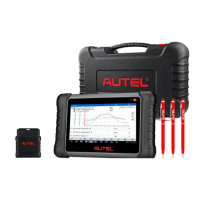
When it comes to ultra-portability, the MaxiCOM tablet is your perfect companion.
Installed with a fast quad-core processor, the MaxiCOM tablet offers maximum
convenience and swift diagnosis. The intuitive user screen makes using the device
effortless through an 8-inch LCD touchscreen that displays at 1280 x 800 quality.
Together with the ability to quickly read and clear DTCs for all available modules of the
majority of the makes and models on the market, the MaxiCOM tablet provides you with
superior special functions, including Oil Reset, EPB (Electronic Parking Brake), SAS
(Steering Angle Sensor), BMS (Battery Management System), DPF (Diesel Particulate
Filter), IMMO, and TPMS (Tire Pressure Monitoring System).
This manual describes the construction and operation of the device and how it works to
deliver diagnostic solutions.
2.1 MaxiCOM Tablet
2.1.1 Product Overview
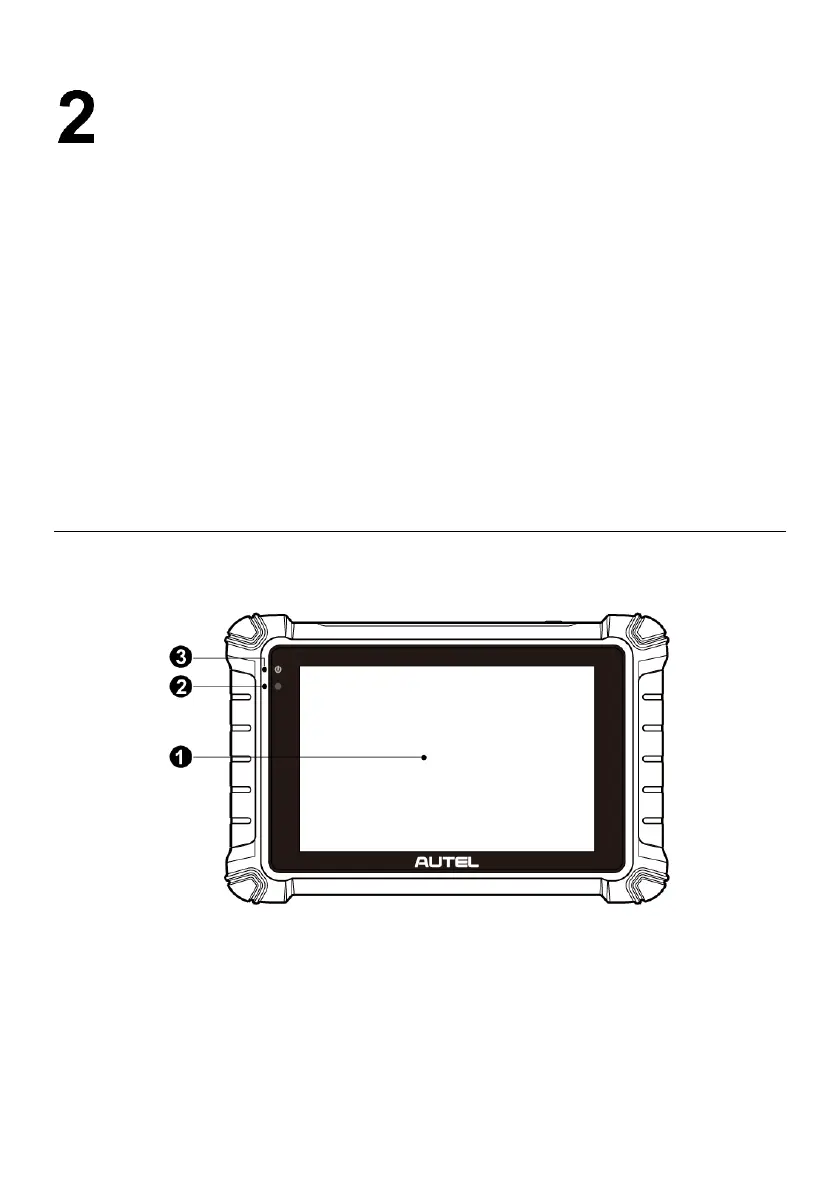
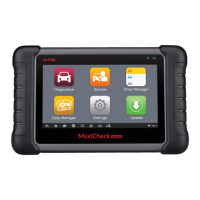
Figure 2-1 Tablet Front View
1. 8.0” LCD Capacitive Touchscreen
2. Ambient Light Sensor — detects ambient brightness.
3. Power LED — indicates battery level & charging or system status.
The power LED displays green, yellow or red depending on power level and operating
status.










 To Next Page