14
MegaCode
®
Receiver Installation Instructions
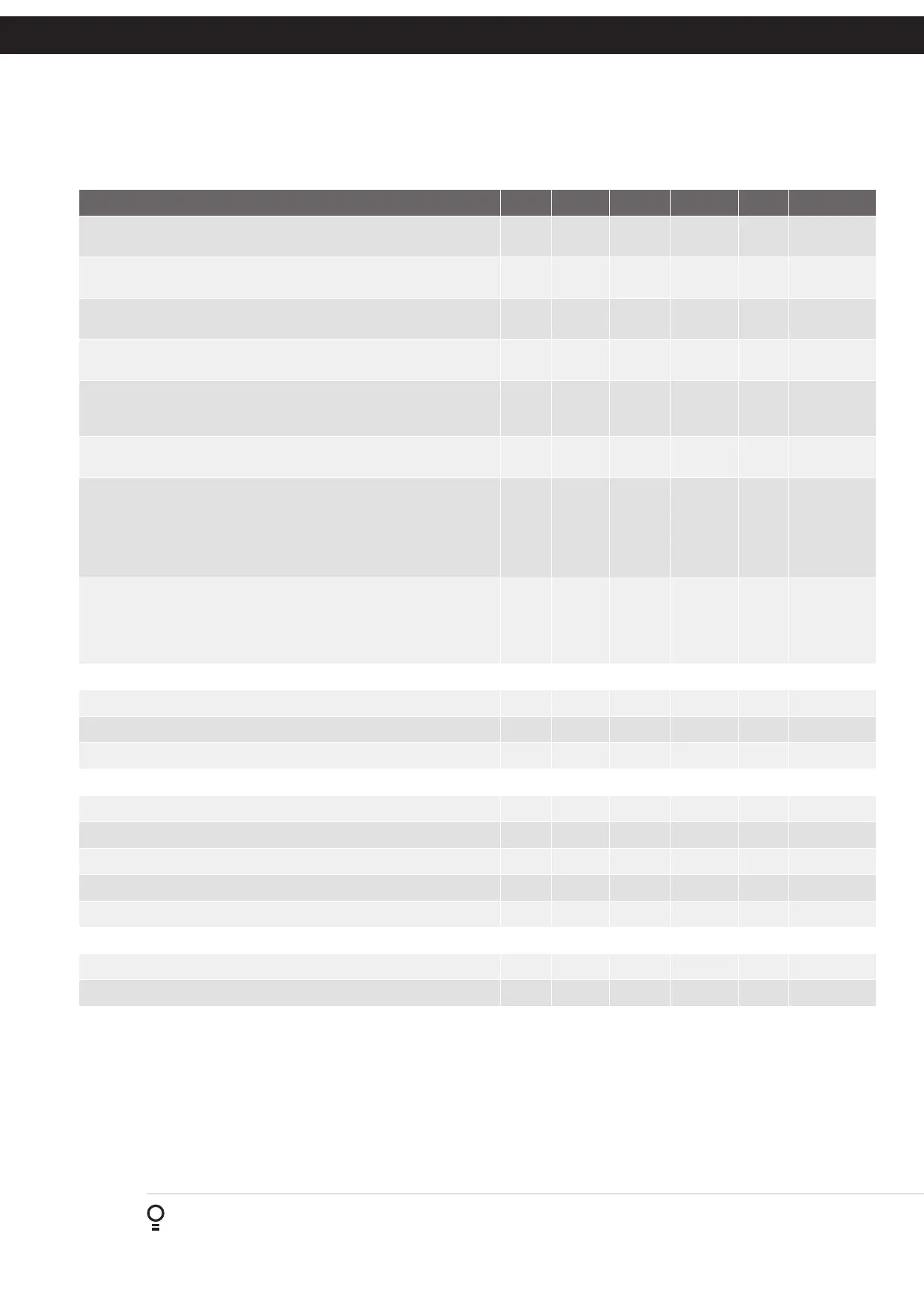
Parameter Min Max Default Unit Menu Section
DEFAULT TRANSMITTER BUTTON 3: This parameter is used to set the
default output function when coding button 1 of the transmitter.
6.3 Appendix B
DEFAULT TRANSMITTER BUTTON 4: This parameter is used to set the
default output function when coding button 1 of the transmitter.
6.4 Appendix B
REMOTE CODE: This Parameter can be used to diable the Remote
Coding feature for security or transmitter management reasons.
6.5 Appendix B
ACTIVITY REPORTS: This parameter sets the ID of the controller that is
sent with the activity report.
6.6 Appendix B
ACTIVITY REPORTS ID: This parameter sets the ID of the controller that
is sent with the activity report. Contact Automatic Technology for more
details.
6.7 Appendix B
VACATION MODE: Vacation mode can be turned on or off using this
parameter.
Off On Off 6.8 Appendix B
PASSWORD PROTECTION: The password feature enables all parameters
and configuration settings to be protected unless a password is entered.
When this feature is turned on, the user is requested to enter a password
to be used. The password protection feature has a timeout that expires
after 60 seconds of inactivity. Alternatively the User may log out manually
by pressing EXIT when the main screen is displayed.
6.9 Appendix B
TRANSMITTER # GROUPING: The transmitter store number dispaly
format can be changed to show a grouped format. When grouping is
selected, instead of displaying the store location as a number between 1
and 511, it is displayed as ##$ where ## is the group number and $ is a
character a,b,c,d,e,f,g or h which indicates the group member.
6.10 Appendix B
Menu 7 - Time Clock
SET TIME / DATE 7.1 6.2
VIEW / EDIT PROGRAMS 7.2 6.2
SETTINGS 7.3 6.2
Menu 8 - Diagnostics
TEST INPUTS - Controls input display status 8.1 Appendix C
TEST TRANSMITTERS (TX’ERS) 8.2 Appendix C
DISPLAY HISTORY 8.3 Appendix C
MEMORY USAGE 8.4 Appendix C
CONSOLE TEST 8.5 Appendix C
Menu 9 - Memory Tools
CLR CONTROL 9.1 Appendix D
CLR TRANSMITTERS (TX’ERS) 9.2 Appendix D
Appendix
A - Recevier Menu Structure



 To Next Page