57
Save System Log
If you encounter unknown issues and are unsure of how to troubleshoot the unit, sending us the
saved system log data to help us solve your problem faster.
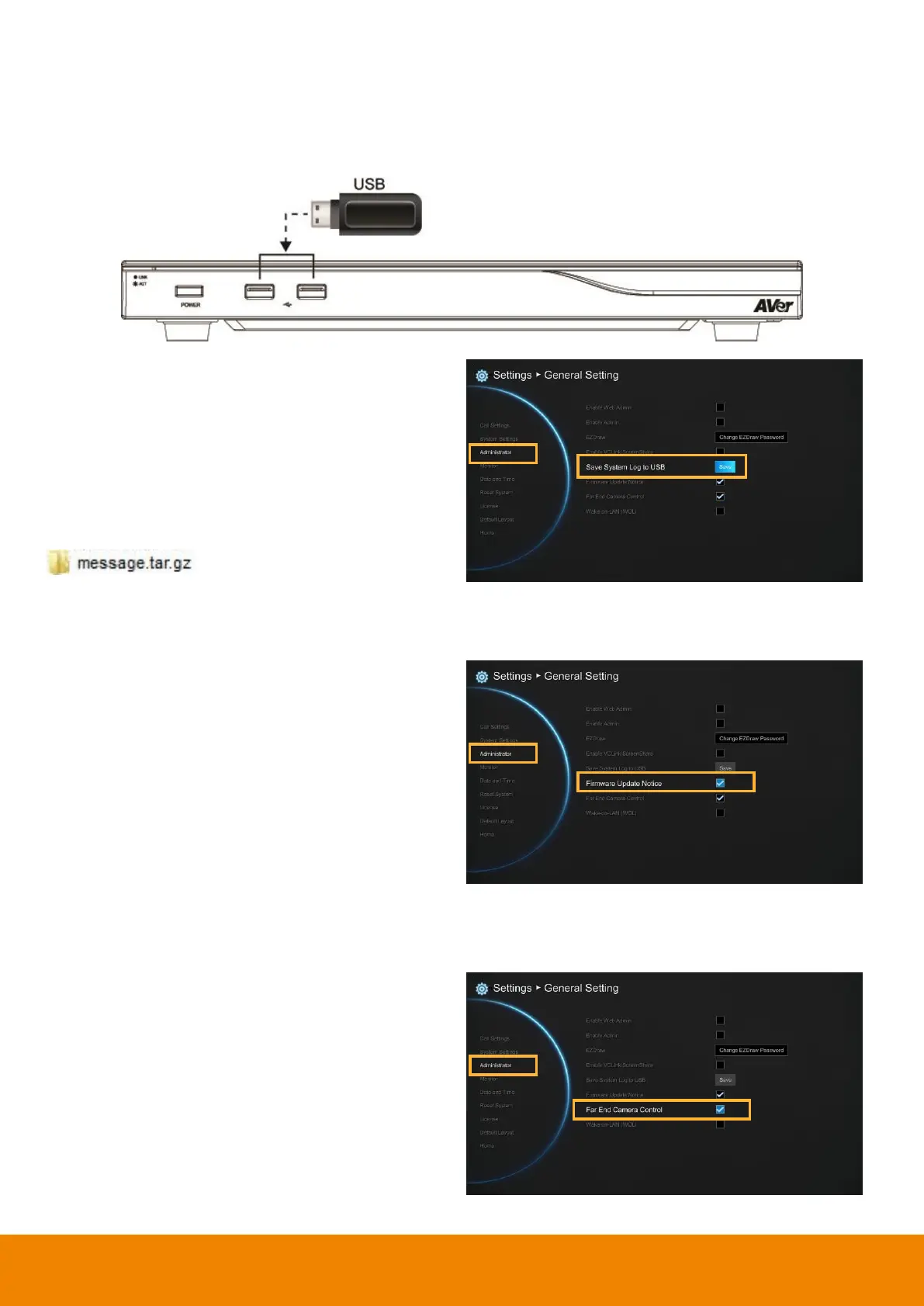
Insert a USB Flash drive into the USB Port(on front panel)) of the EVC main system.
Select
“Save”
located next to
“Save System
Log”
to save the system log into your USB Flash
drive.
After the file is saved, select
“OK”
. Remove the
USB Flash drive and insert it into your
computer’s USB port. Located the file
message.tar.gz and send it to the technical
support team.
Firmware Update Notice
Select this function check box to enable firmware
updated notice function. By default, this function
is enabled.
Far End Camera Control
Select the “
Far End Camera Control
” check box
to enable the far site to control your camera. By
default, this function is enabled.



 To Next Page