05/10 Version 5.05-00 USER MANUAL Commissioning and Operation
AP5.4 – AP5.6
2
Installation
Unpacking and setting up the printer
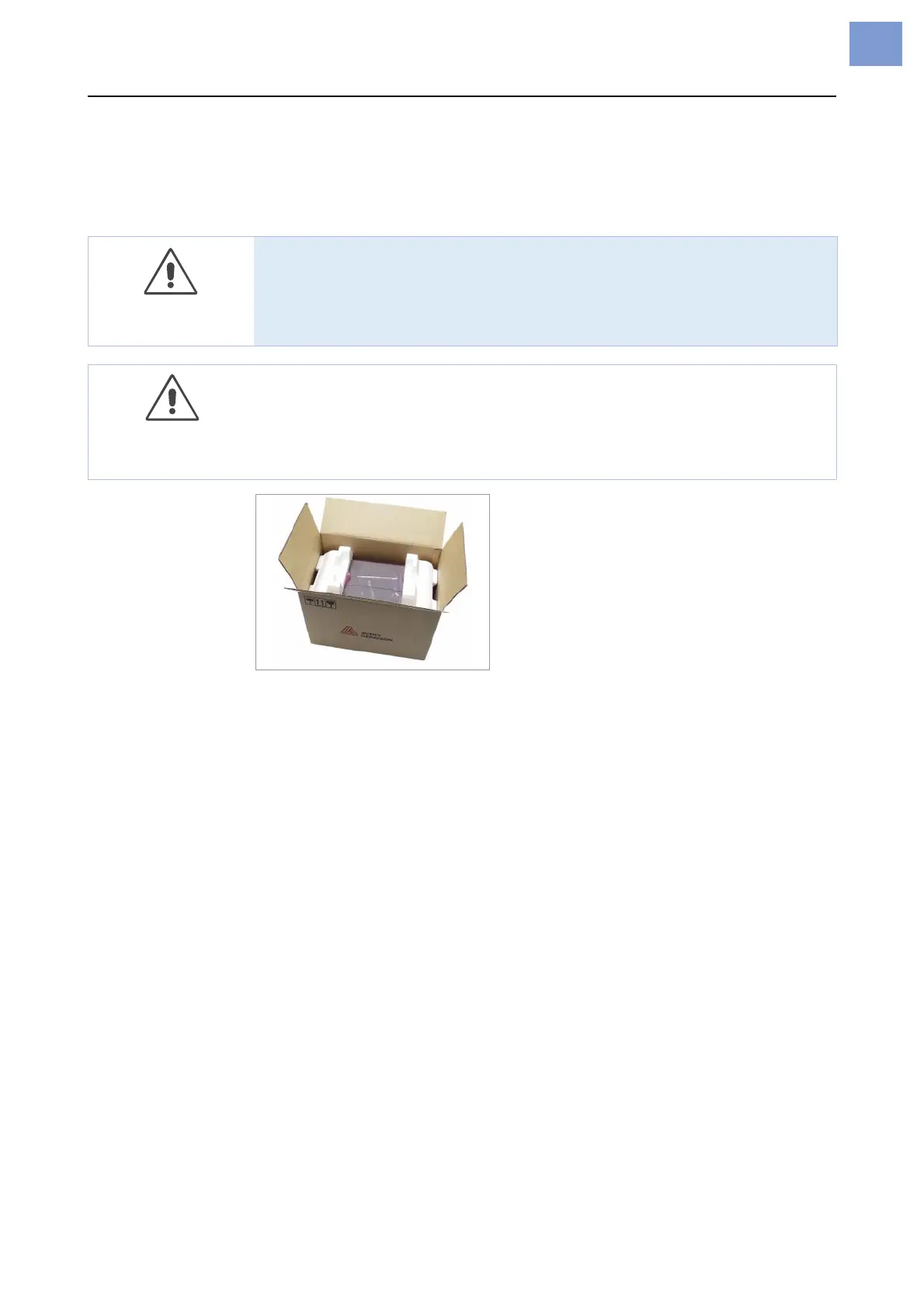
[1] AP5.4 in the original packaging.
1. Remove all loose objects from the shipping box.
2. Carefully lift the printer out of the box together with the styrofoam packag-
ing.
¯ Have a second person hold the box tightly.
3. Remove the styrofoam and plastic film from the printer.
¯ Store the original packaging for possible shipping at a later date!
4. Place the printer on a flat surface.
¯ To carry the printer, reach below the baseplate at the front and rear.
5. Open the front cover. Remove the styrofoam shipping lock from the print-
head.
6. Check that the shipment is complete, see Checking the shipment on
page 3.
WARNING!
Lethal hazard from mains power!
« Only use the device in enclosed rooms under normal ambient conditions
(office atmosphere)!
CAUTION!
To avoid damage to the printer, observe the following:
« Do not lift the printer using the plastic components on the front and rear.
« To lift the printer, do not reach below the front hood.












 To Next Page