Fast Track C400 User Guide6
Fast Track C400 Back Panel Features
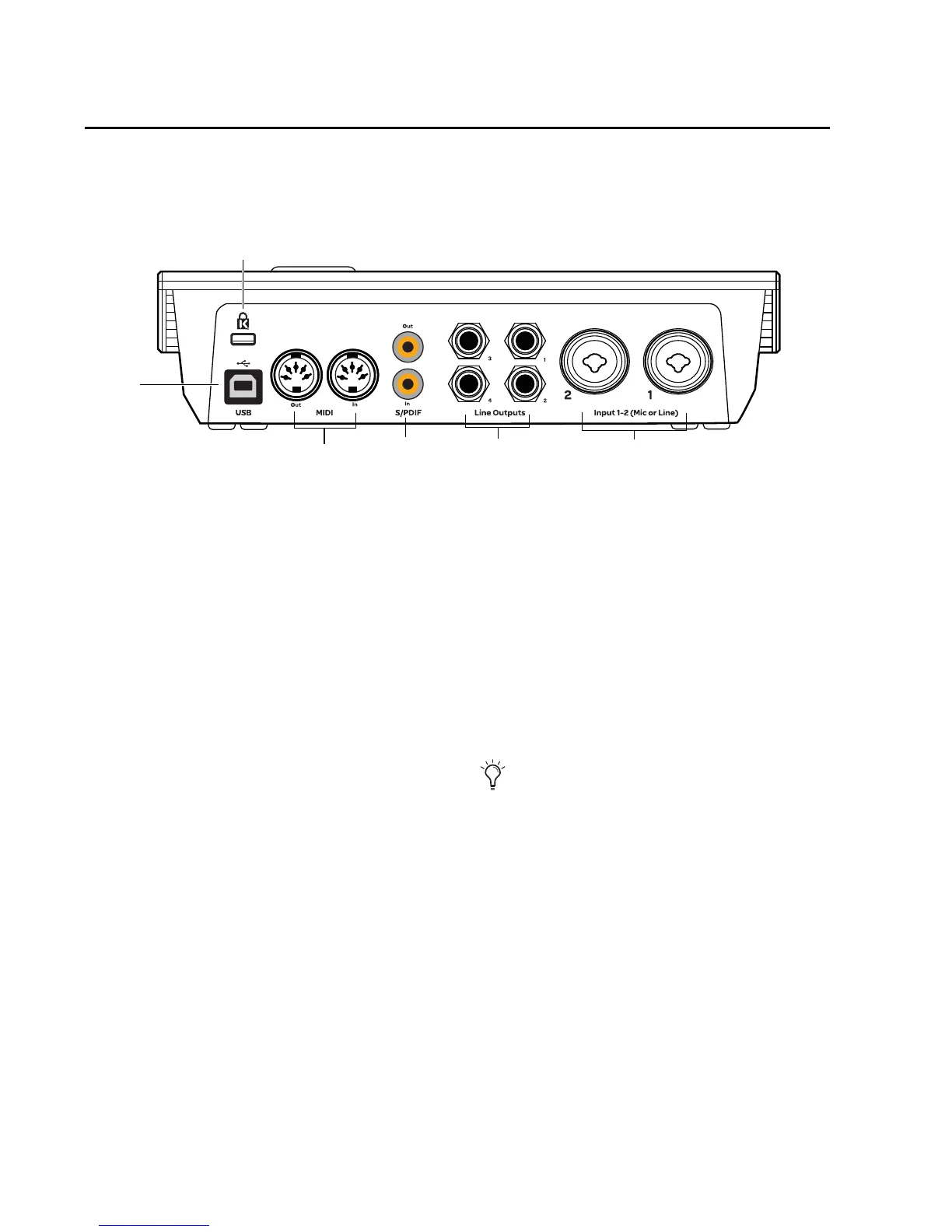
Figure 2 identifies each port on the back panel of the Fast Track C400.
The Fast Track C400 back panel provides the fol-
lowing:
USB Port
This standard USB port is used to connect
Fast Track C400 to a USB 2.0 port on your com-
puter using the USB cable included with your in-
terface.
Fast Track C400 is powered through the USB
connection, and the top panel Power LED will il-
luminate indicating that the unit is receiving
power.
MIDI I/O
The MIDI In and MIDI Out ports are standard 5-
pin MIDI connectors, each providing 16 chan-
nels of MIDI input or output.
S/PDIF Digital I/O
S/PDIF is a connection protocol that lets you
digitally connect Fast Track C400 to external de-
vices that also have S/PDIF ports (such as CD
players, DAT recorders, or external AD/DA con-
verters).
S/PDIF sends and receives signals over unbal-
anced phono (RCA) cables at up to 24-bit, 96kHz
resolution when used with Fast Track C400.
The S/PDIF input and output channels are avail-
able in addition to the two channels of analog
audio input. This lets you use Fast Track C400 as
a 4-in/6-out digital audio interface.
Figure 2. Fast Track C400 back panel



 To Next Page
 Loading...




