30
Appendix B: Controlling MTRX Preamps from Pro Tools
(Mac Only)
On Mac, you can control the microphone preamps for installed Pro Tools | MTRX 8-channel Mic/Line AD cards and using the PRE
controls in Pro Tools (as well as from Pro Tools–compatible MIDI and EUCON control surfaces).
Configuring Audio MIDI Setup
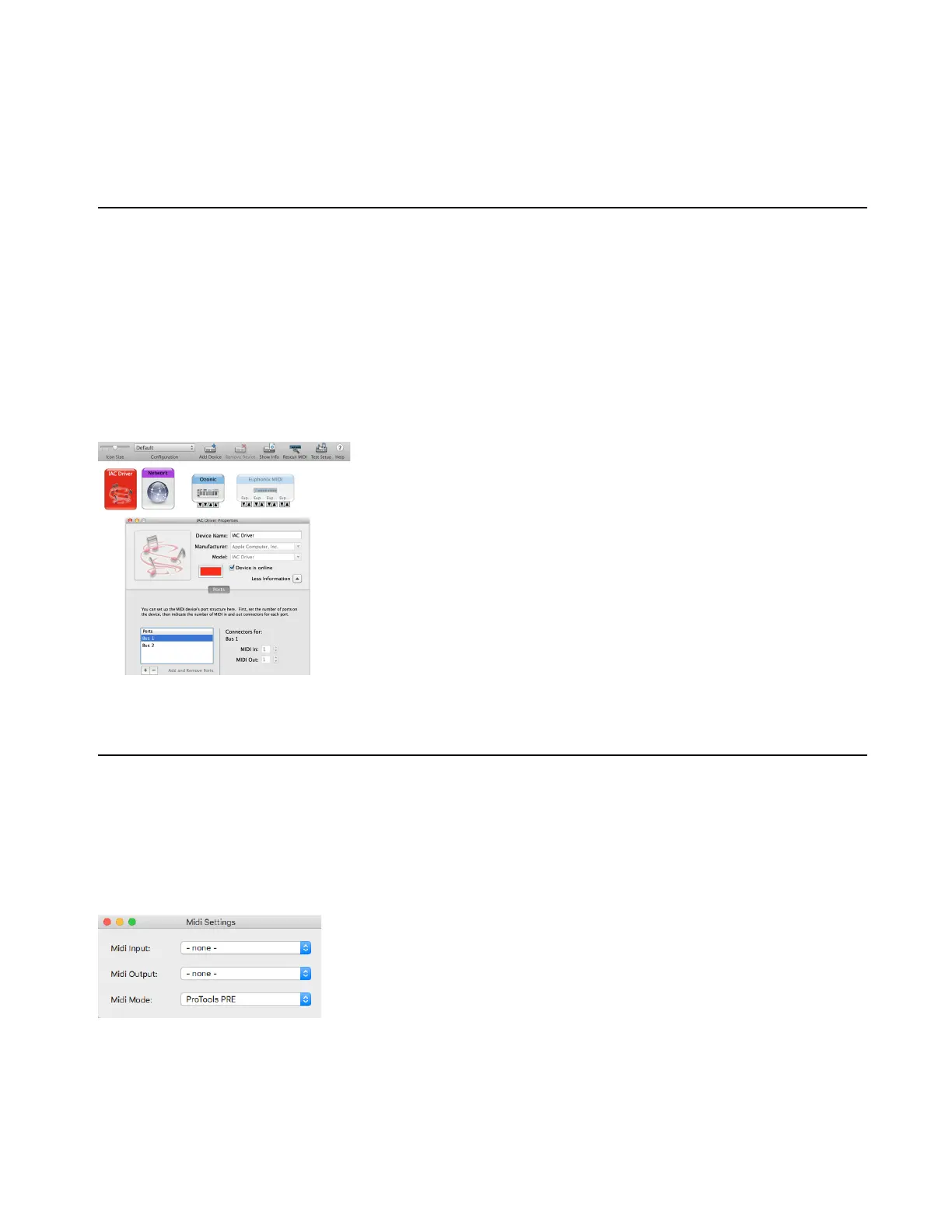
Use the IAC Driver in the macOS Audio MIDI Setup utility to route MIDI between Pro Tools and MTRX units on the network.
To configure Audio MIDI Setup (AMS) for Pro Tools PRE control of MTRX units:
1 Do one of the following:
• In Pro Tools, choose
Setup > MIDI > MIDI Setup.
• Launch Audio MIDI Setup from the Finder (/Applications/Utilities/Audio Midi Setup).
2 In AMS, choose Window > Show MIDI Studio.
3 Ensure that two virtual MIDI busses are available in the Audio MIDI Setup IAC Driver and that Device is online is enabled.
4 Quit Audio MIDI Setup.
Configure DADman
Once Audio MIDI Setup is configured, setup DADman for MIDI.
To configure DADman for Pro Tools PRE control of MTRX units:
1 Launch DADman software.
2 Choose Settings > MIDI Settings.
Audio MIDI Setup with two IAC busses
DADman MIDI Settings window



 To Next Page